Mobile App Troubleshooting for Android and iOS
17. Sep 2026
In this guide, you will find useful help for individual problems that may occur on Android and iOS operating systems.
Discover our comprehensive user handbook for the PASCOM app
Discover the basics of the PASCOM app. In the “Getting Started” section, you will find guides on registration, layout, and key features – perfect for gaining your first impression of the app.
Get to know the key telephony features of the PASCOM app. Here you will find instructions on how to connect, hold, and retrieve calls.
Here you will find tutorials that have been recently created or modified.

In this guide, you will find useful help for individual problems that may occur on Android and iOS operating systems.
Get an overview of individual functions and features on Windows, MacOSX, Linux, Android and iOS
Learn how to control your outbound caller ID using identities and make outgoing calls as a team.
Learn how to view call data collected by AI agents within the PASCOM app's team call logs.
Here you will find all tutorials from this category sorted alphabetically.
Learn how to view and use call recordings in text form

In this guide, you will learn how to answer or accept incoming calls in the PASCOM app.
Get an overview of individual functions and features on Windows, MacOSX, Linux, Android and iOS
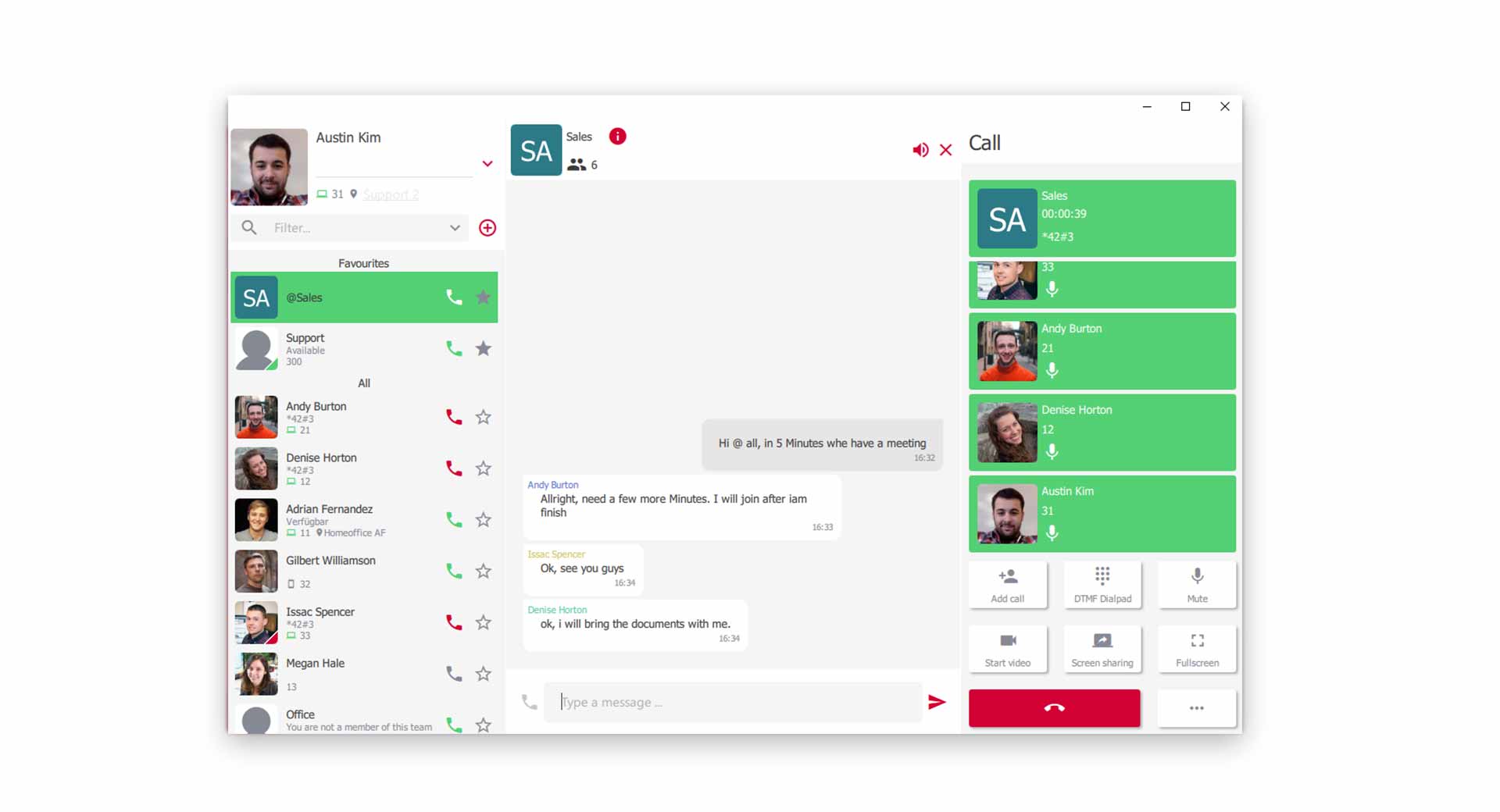
Use the PASCOM App conference tools for more effective collaboration with your colleagues and customers

Learn how to transfer calls quickly and efficiently without prior consultation (Blind Transfer).
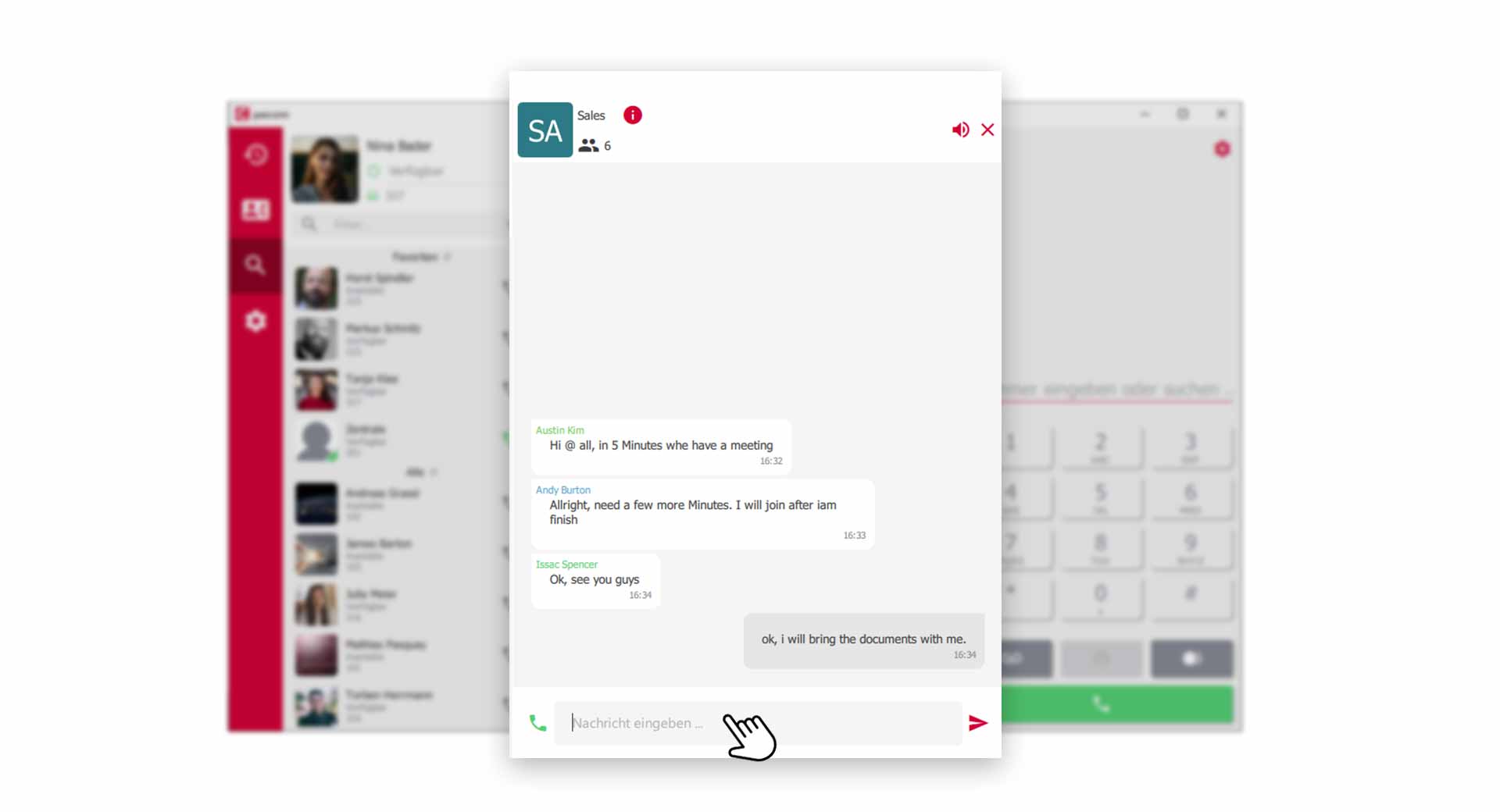
Use chat groups, share information with colleagues and send files.
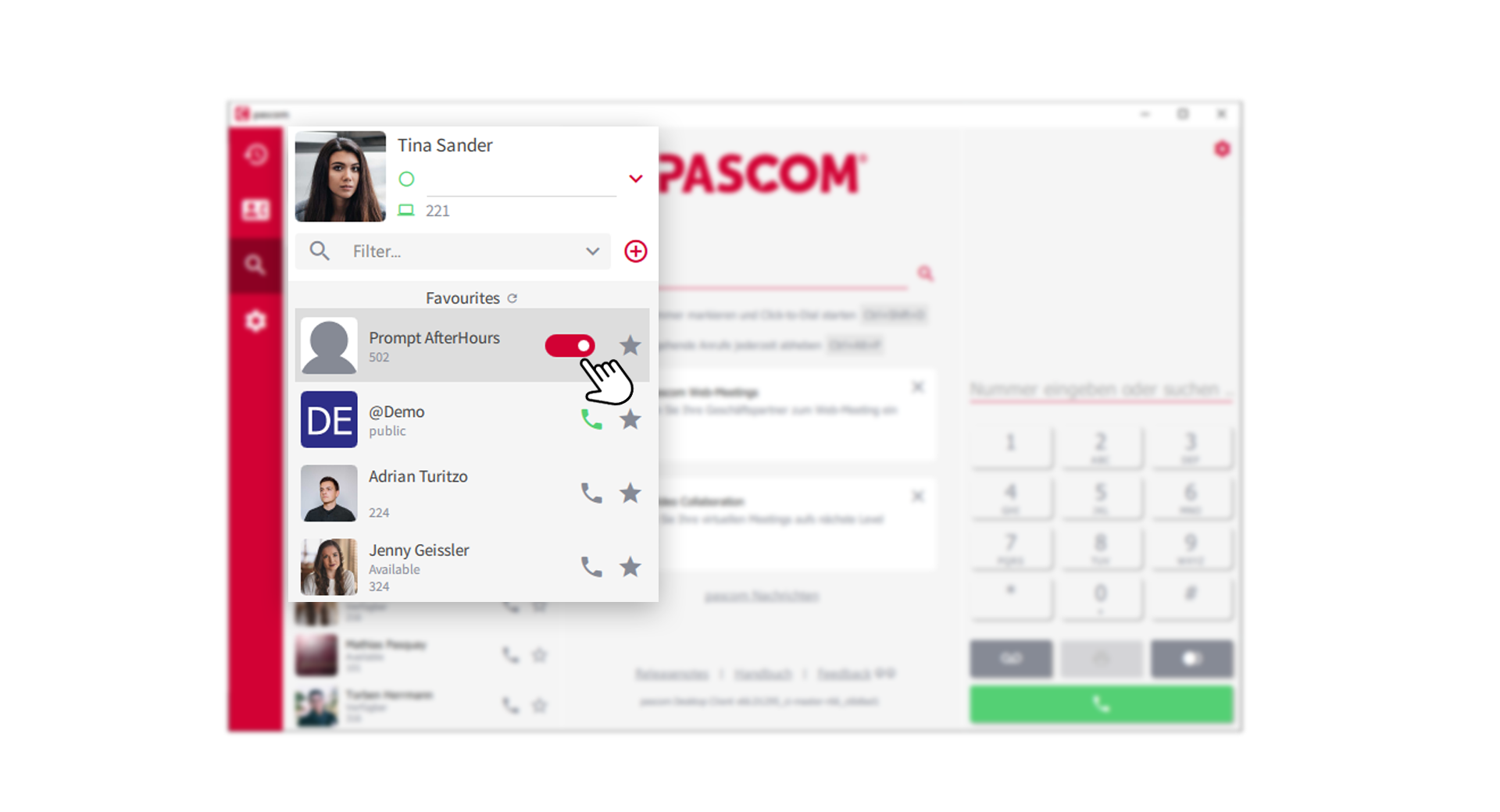
Extension switches allow convenient control of call actions via the PASCOM App.
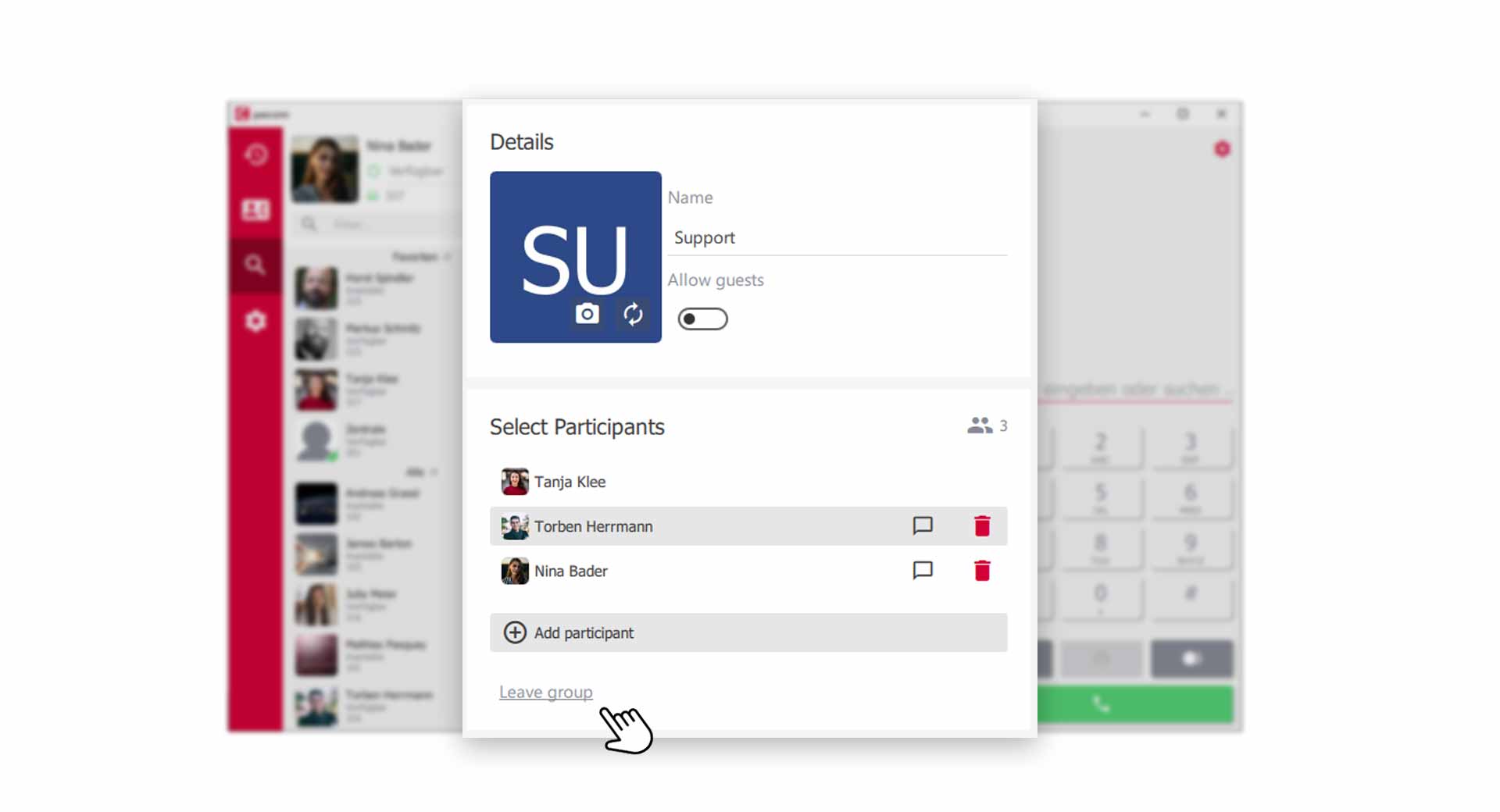
Create PASCOM groups for chat rooms and audio- /video conferences
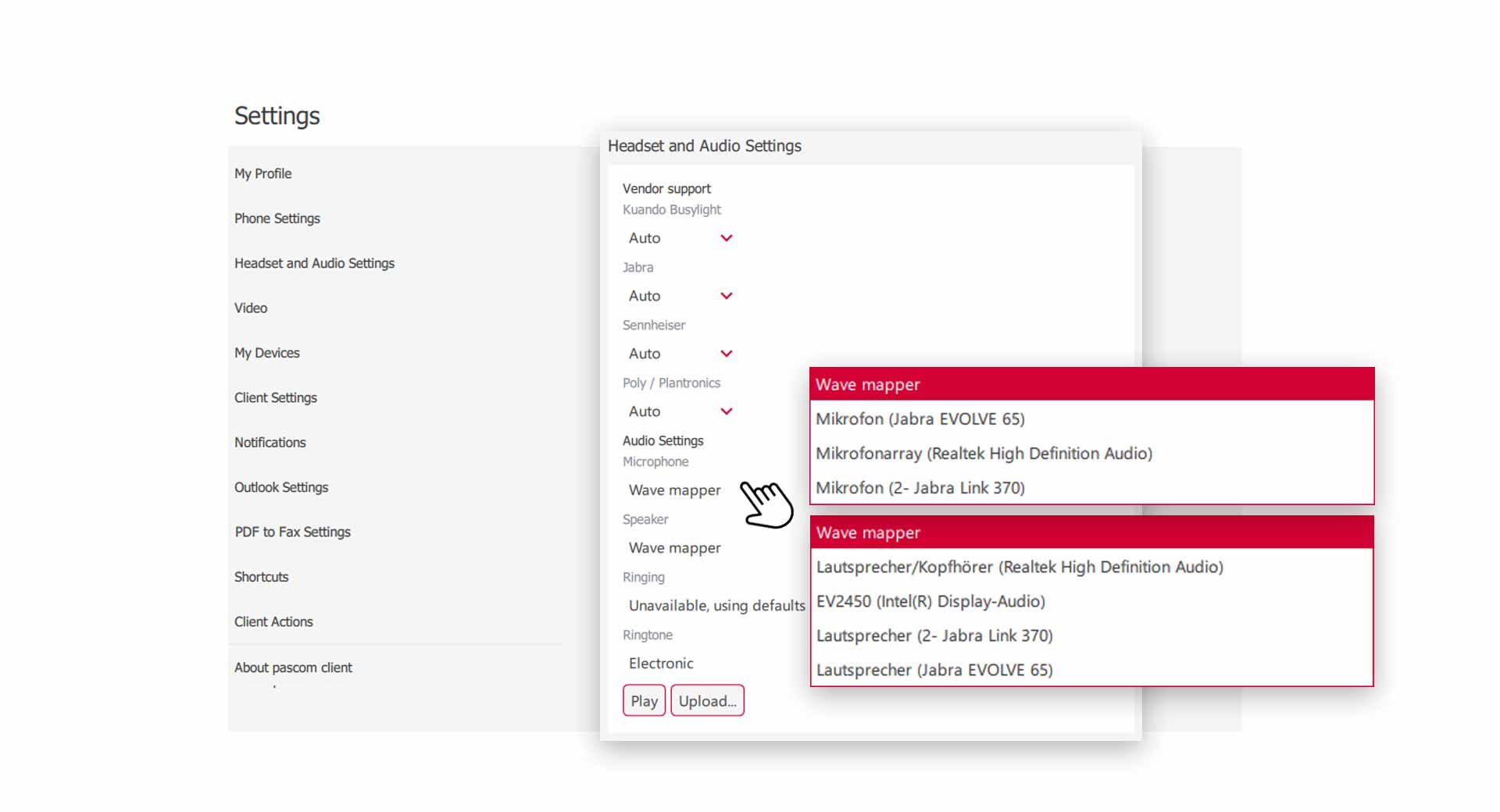
Configure your audio and headset settings with this tutorial
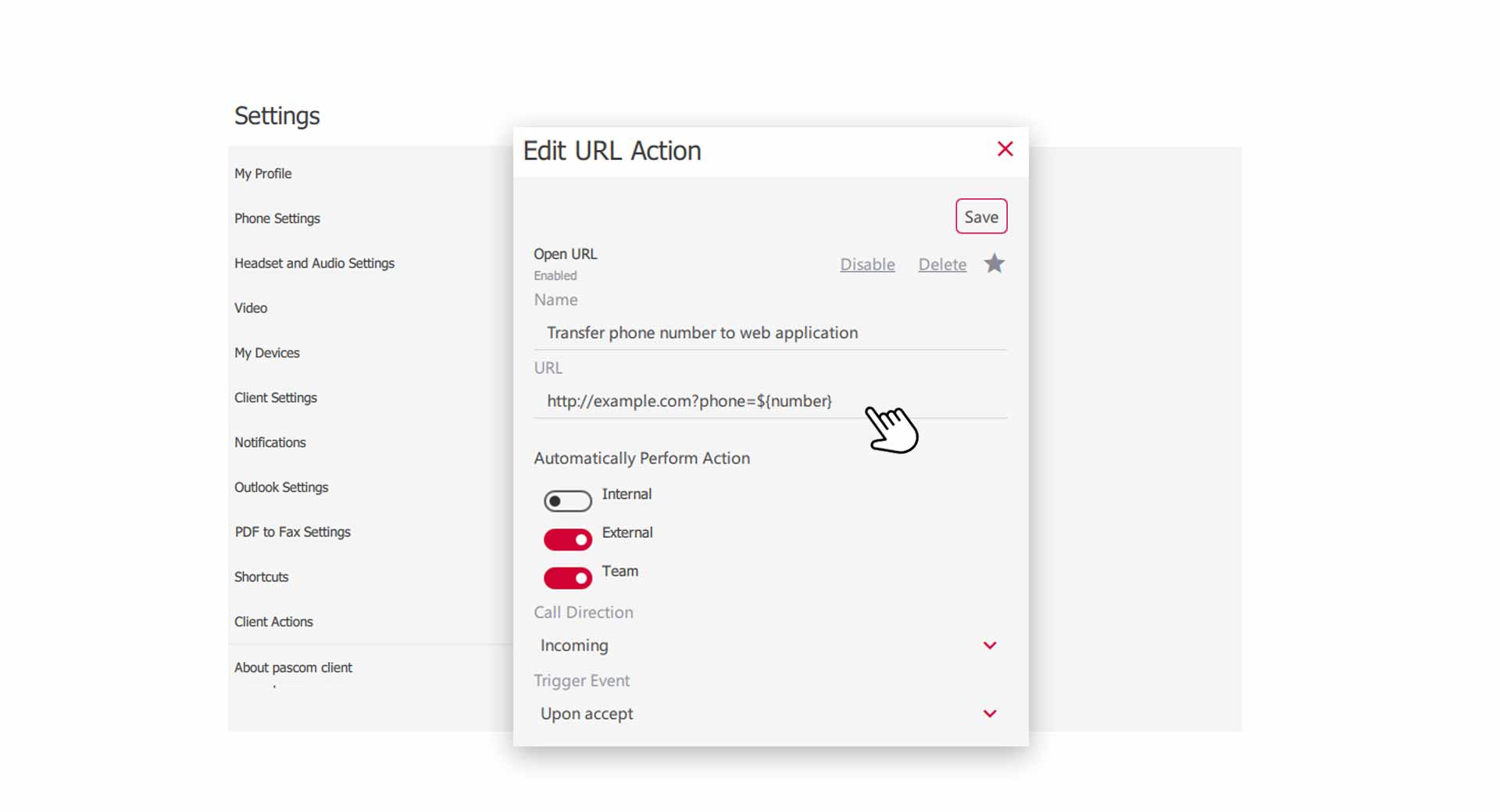
In this tutorial we will show you how to use PASCOM App actions and transfer call data to an 3rd party application.
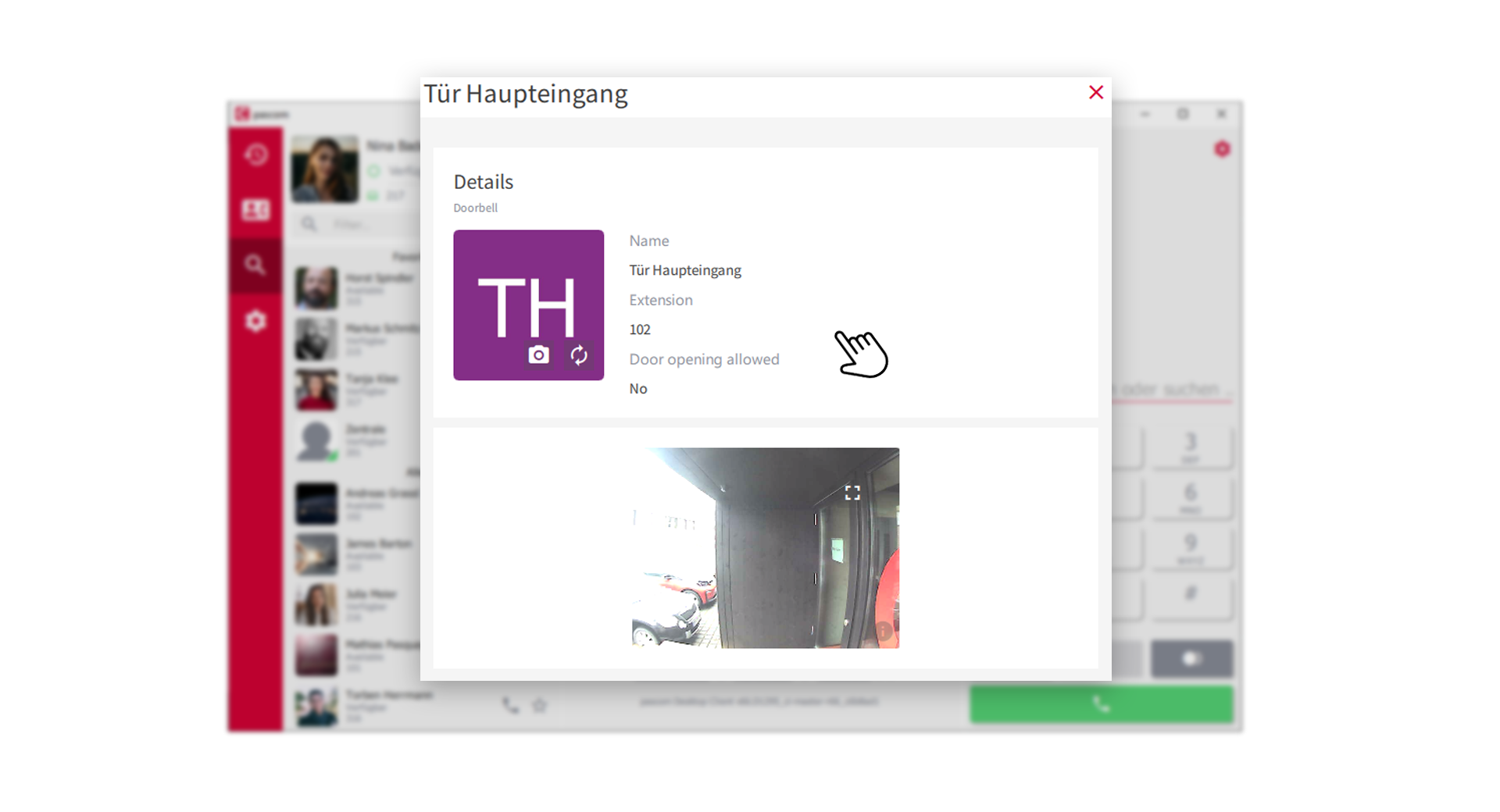
The PASCOM telephone system allows extensive interaction with Intercoms. In this manual you will learn which functions can be used.
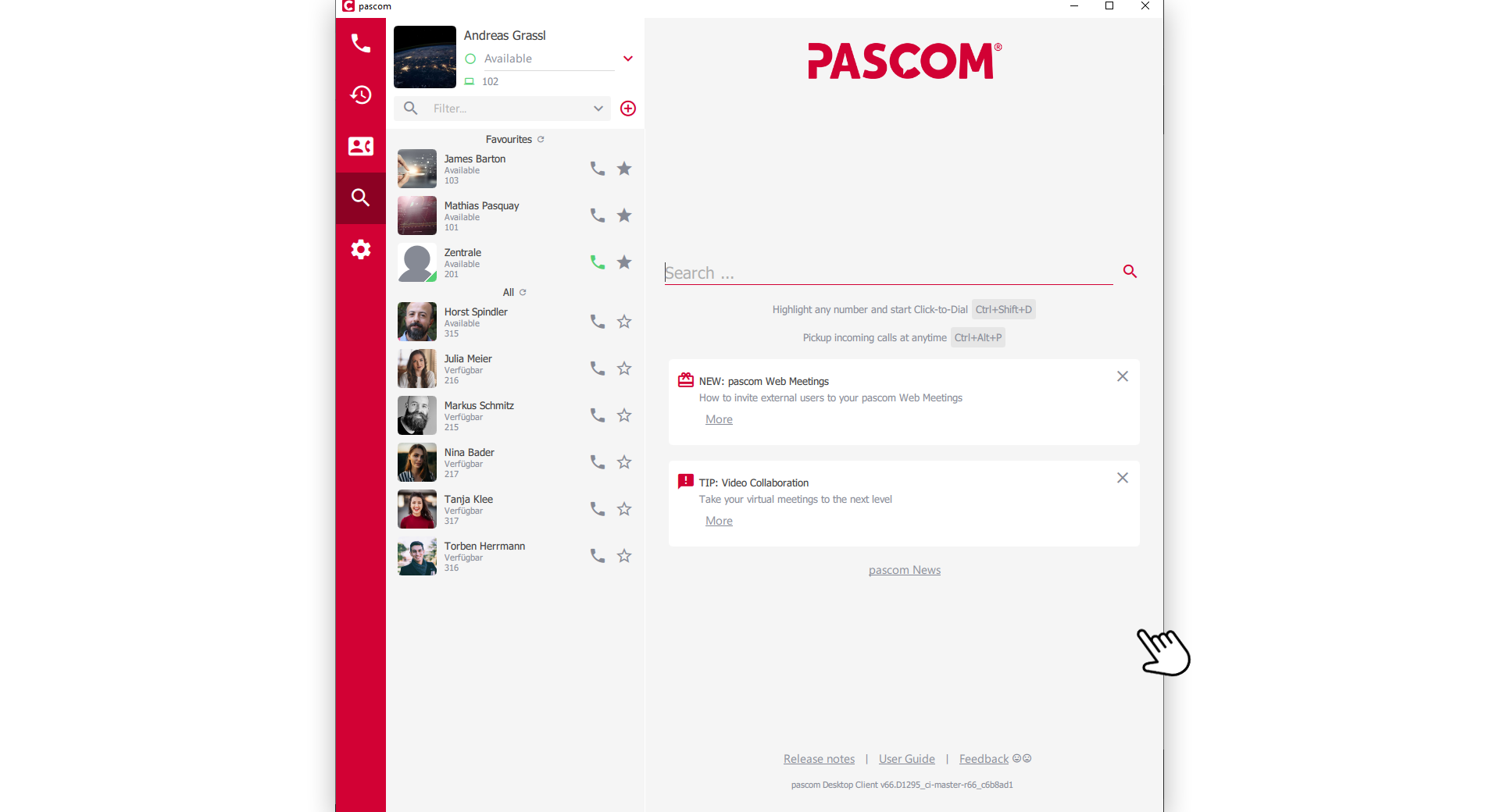
Learn how to adapt the PASCOM app's responsive layout to your workflow and utilize the different view modes efficiently.
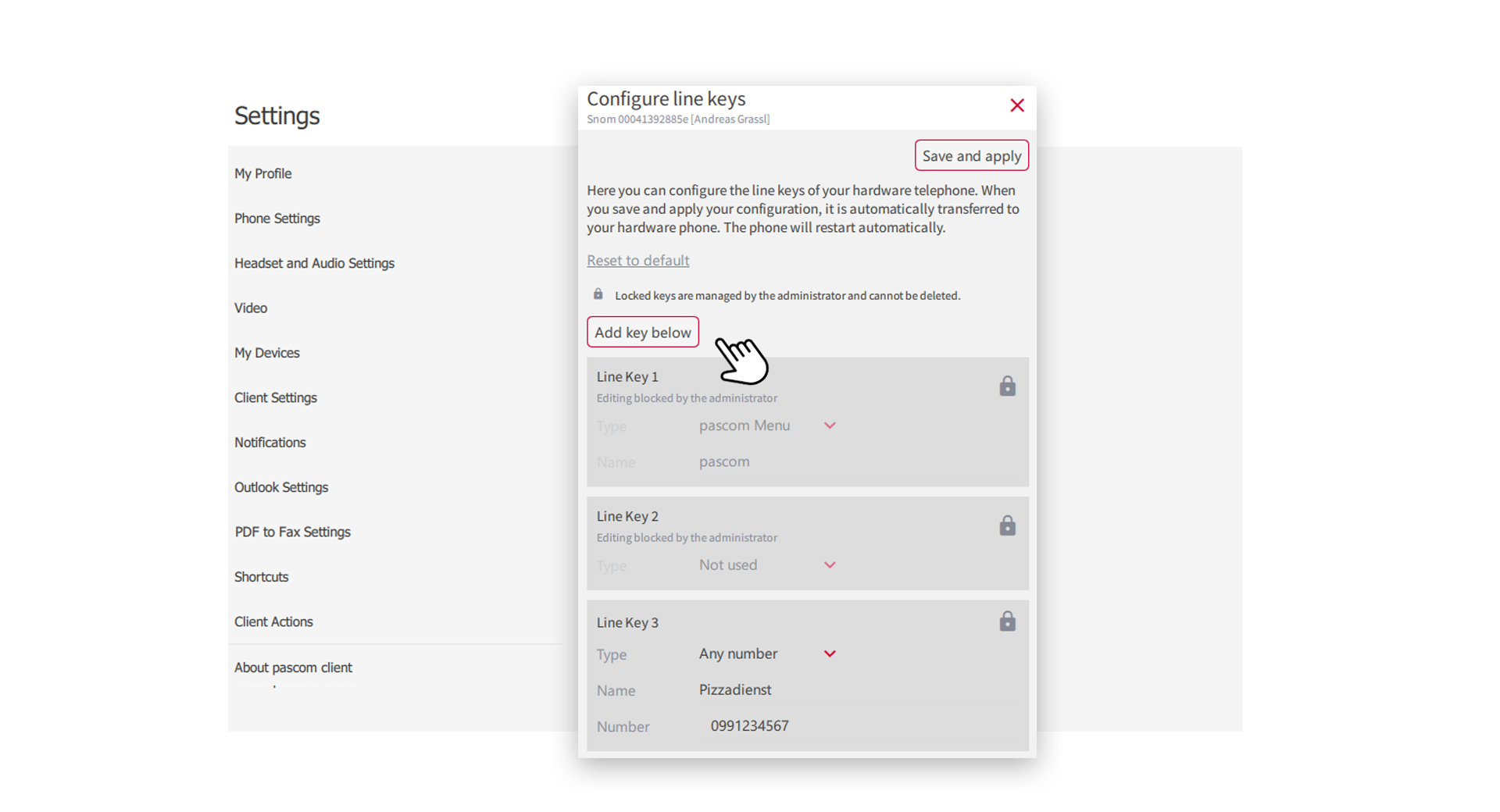
In this guide we will show you how to set up the line keys of your hardware phone
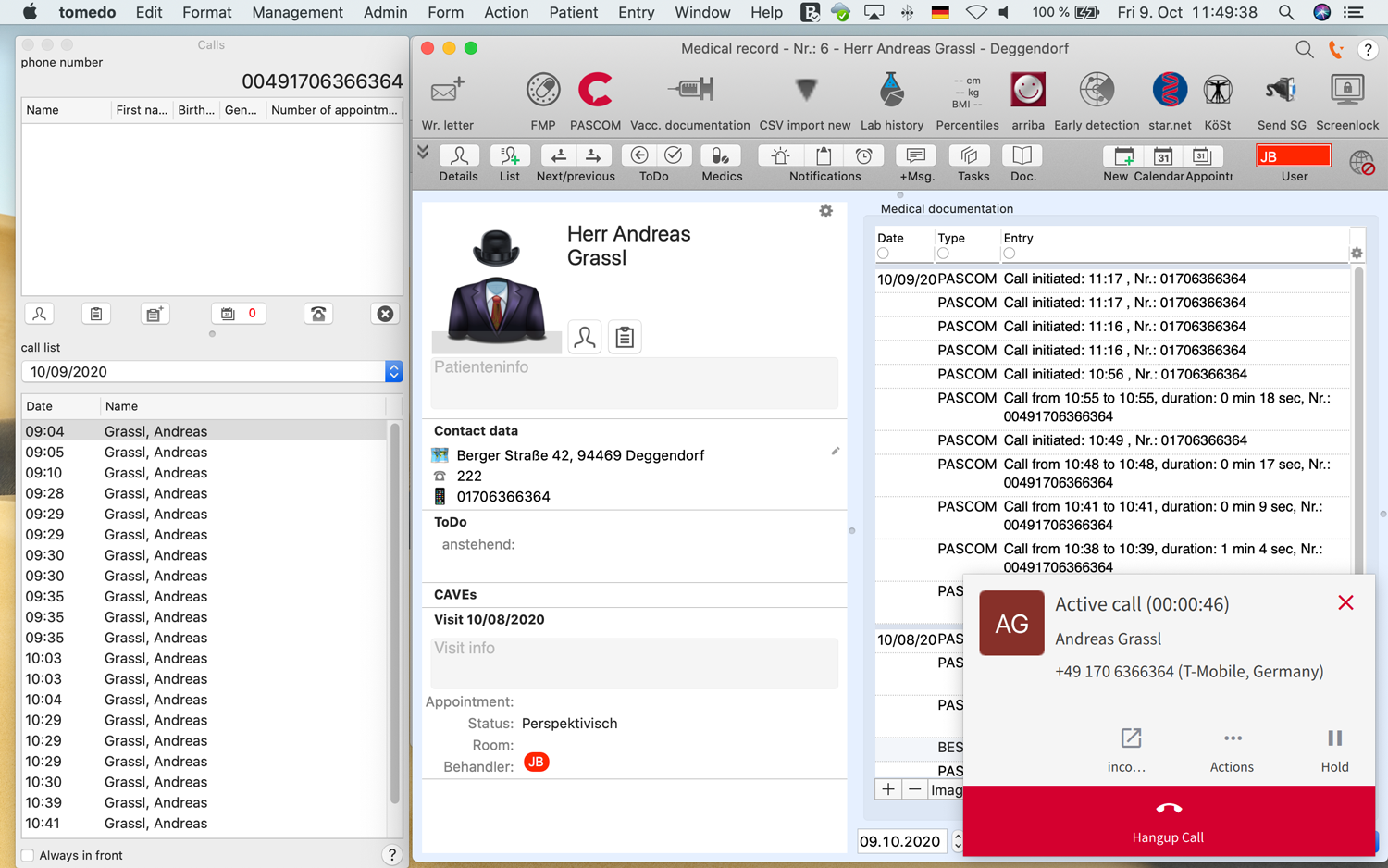
In this tutorial we show you how to use the tomedo® integration.
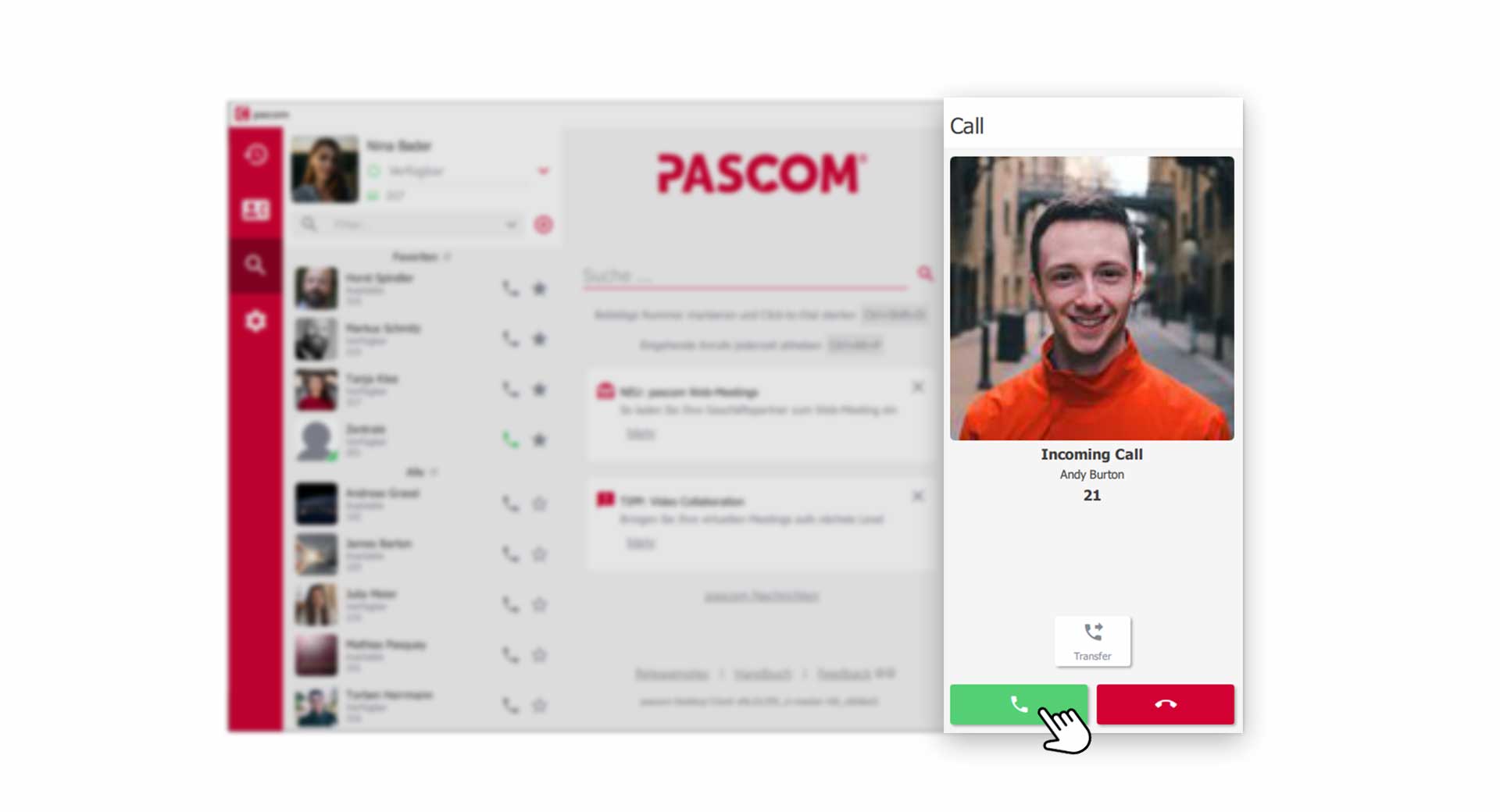
In this guide, you will learn how to make outgoing calls using the PASCOM app.

Learn how to use the PASCOM App profiles.
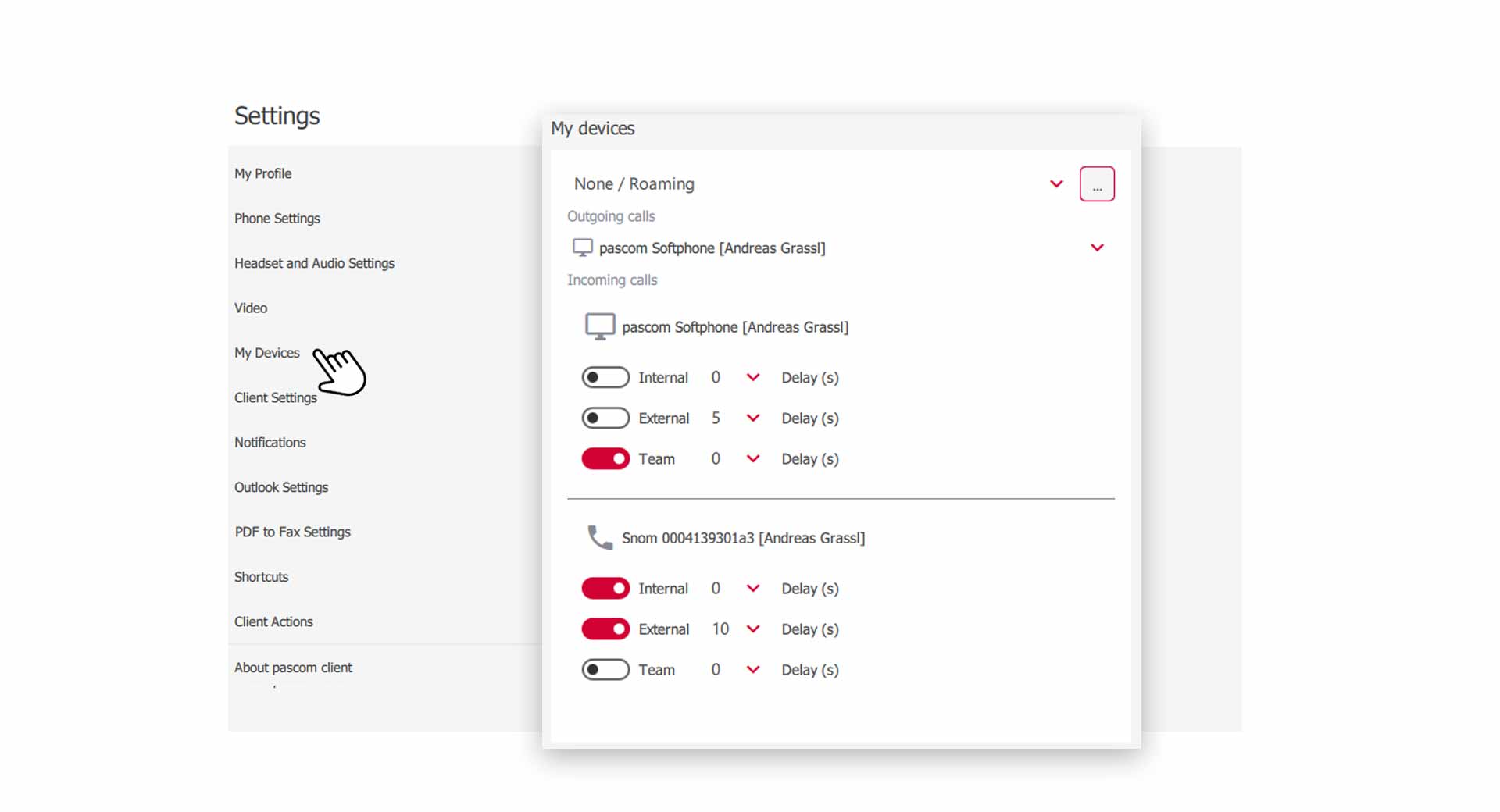
In this guide we explain how to use the Find Me Follow Me settings to control how and when your devices ring.

Learn how to pair the PASCOM mobile app with your desktop application to stay professionally reachable even when you're on the move.
In this guide, you will find useful help for individual problems that may occur on Android and iOS operating systems.
Learn how to control your outbound caller ID using identities and make outgoing calls as a team.
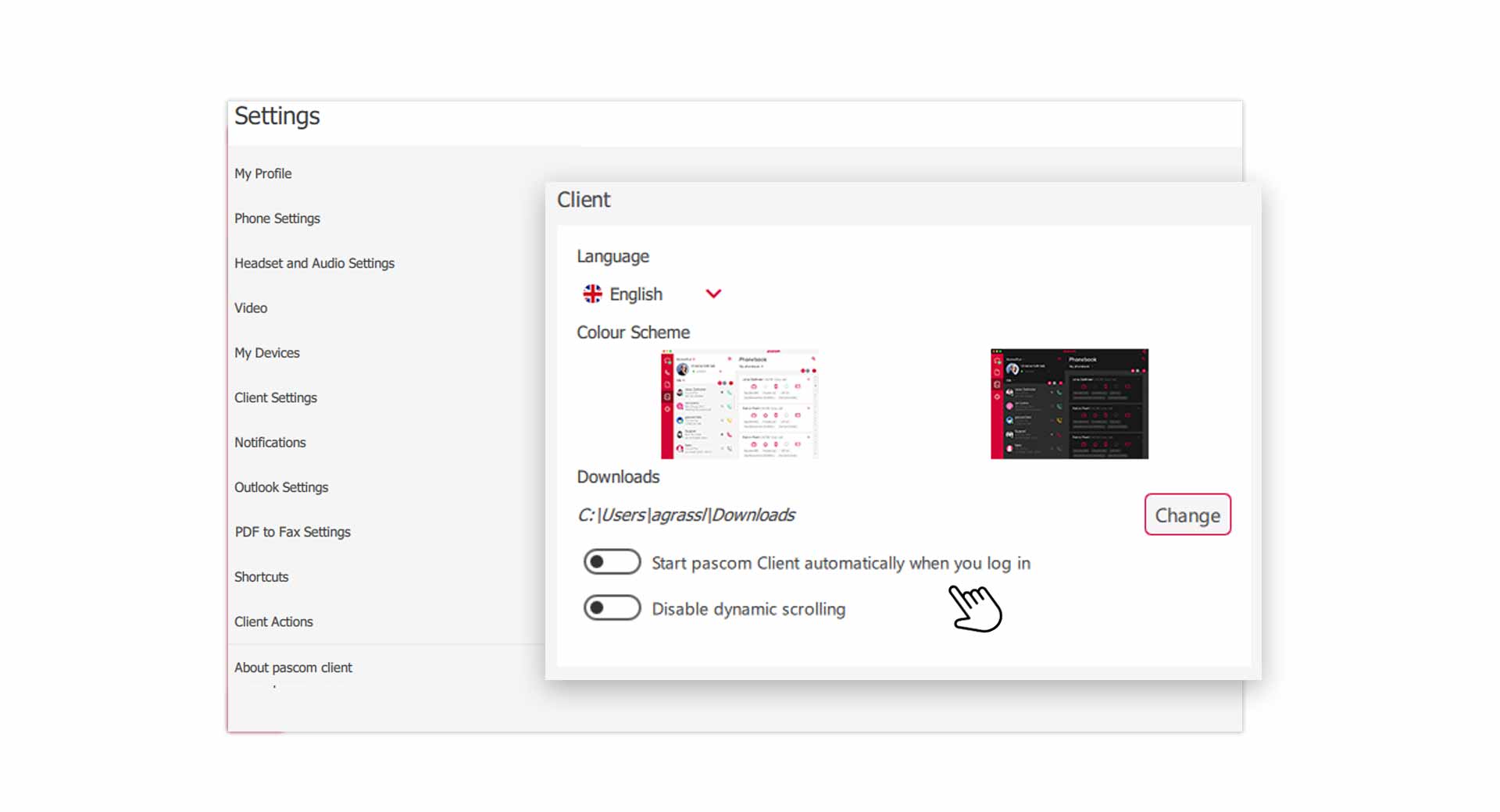
In this tutorial you will learn which settings you can make in the PASCOM App.
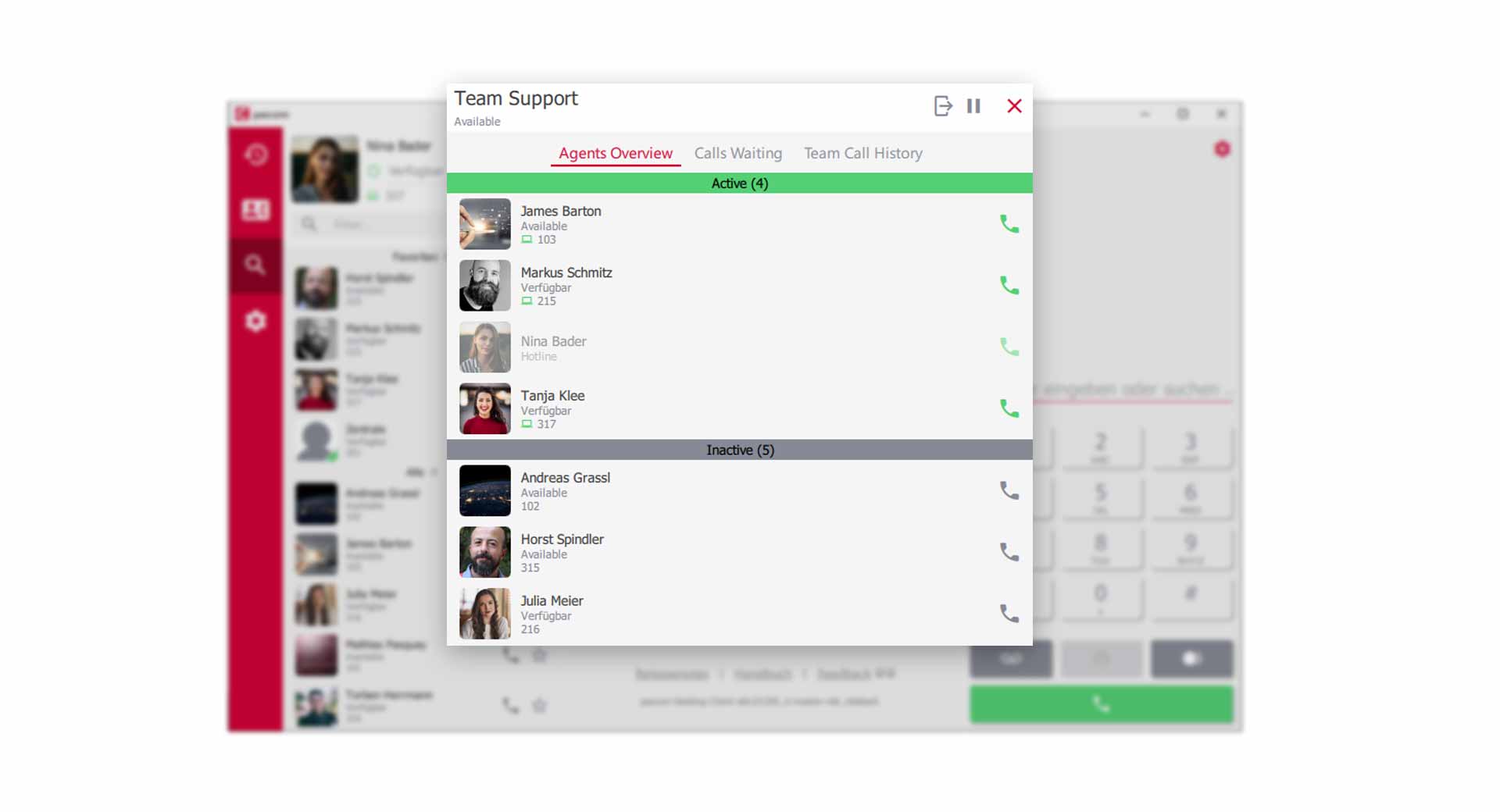
Learn all you need to know about PASCOM teams and working with queues
Configure the behavior of pop-up notifications in the PASCOM app.
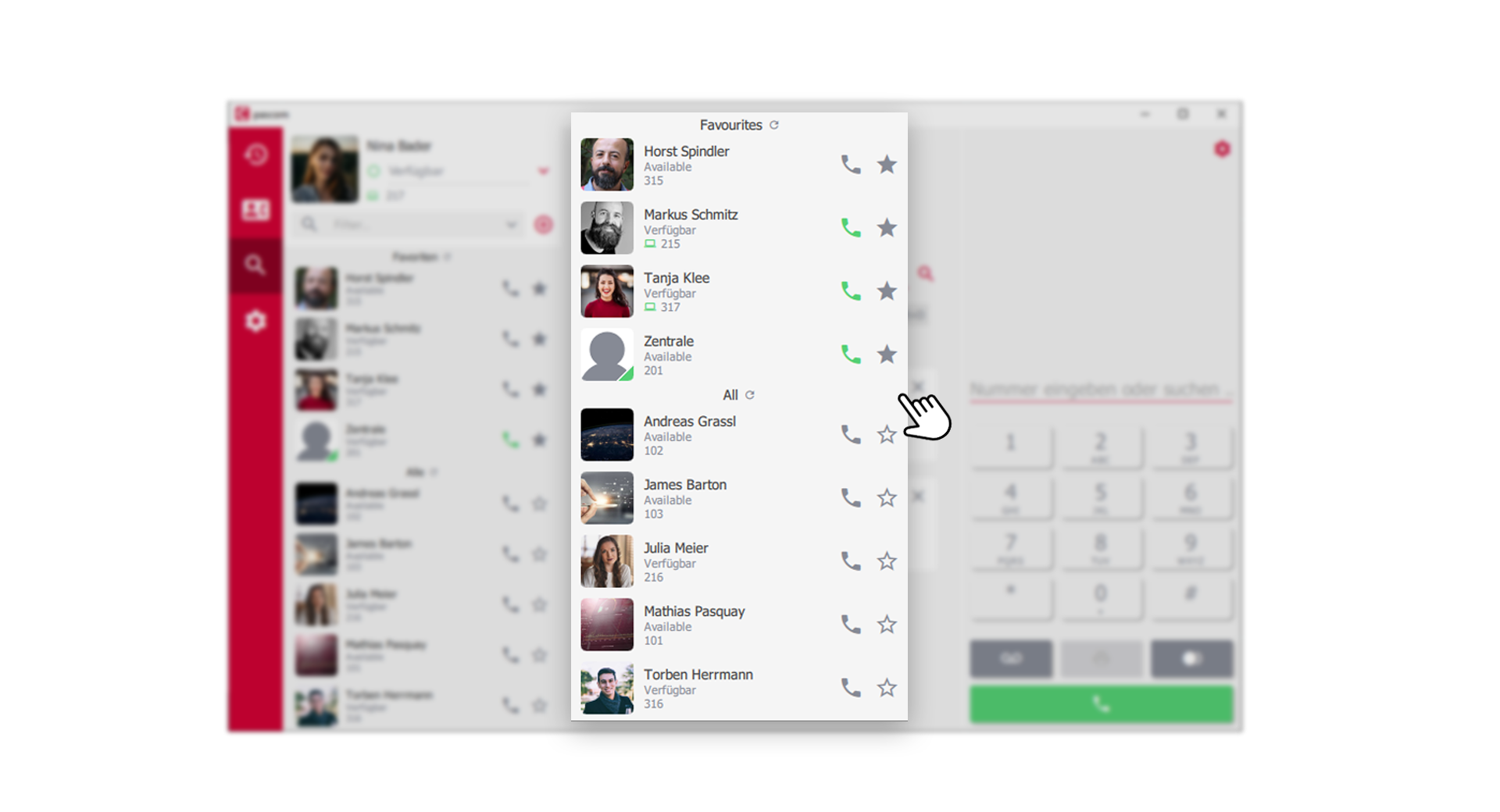
Overview and details of profile and contact list.
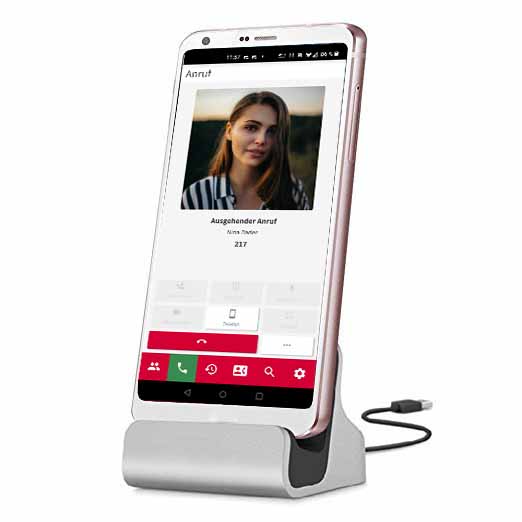
In this guide we explain how to use the PASCOM Desktop App to control the PASCOM Mobile App.
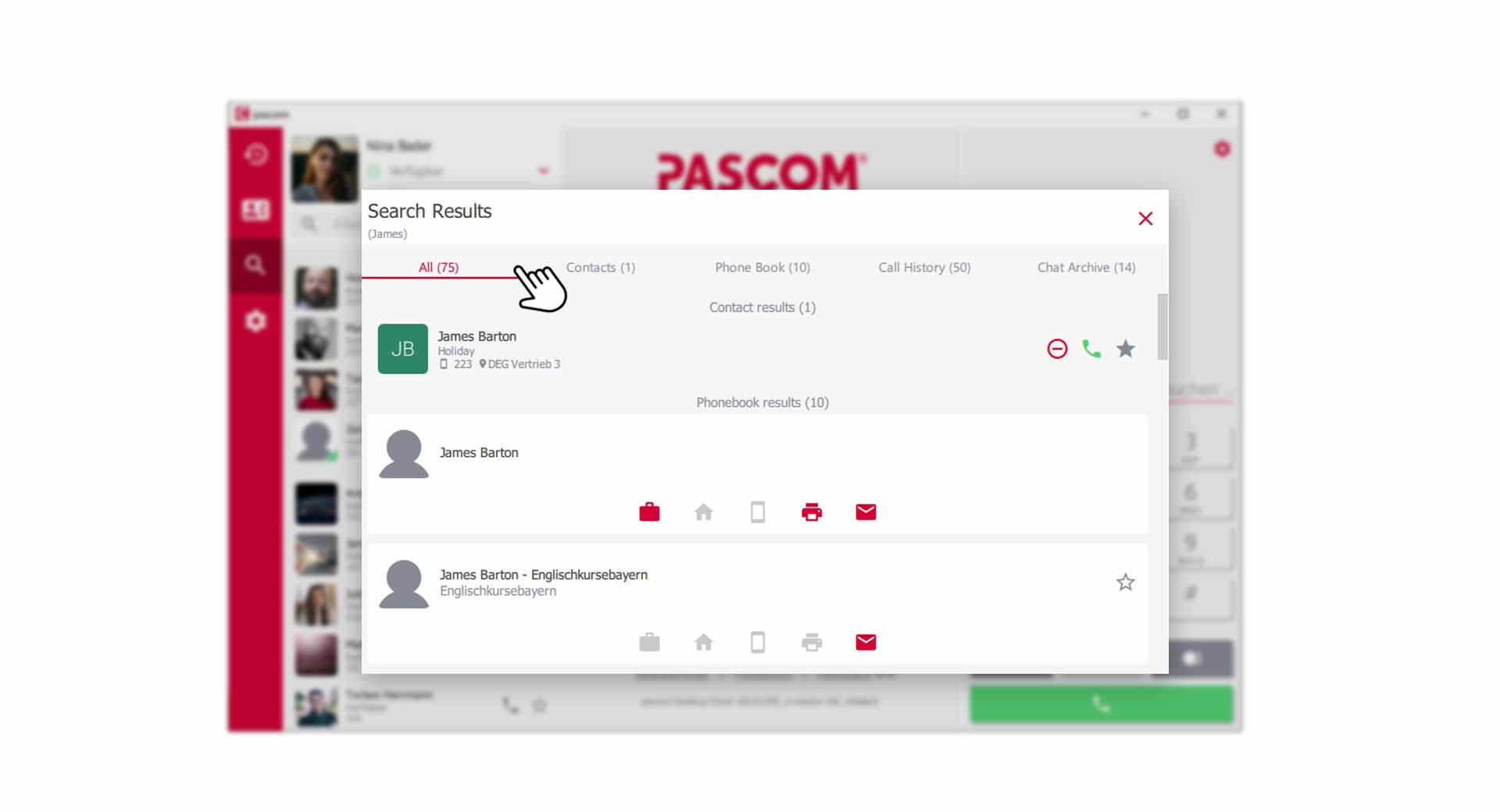
Everything you need to know about notifications, the search function, and smart filters in the PASCOM app.
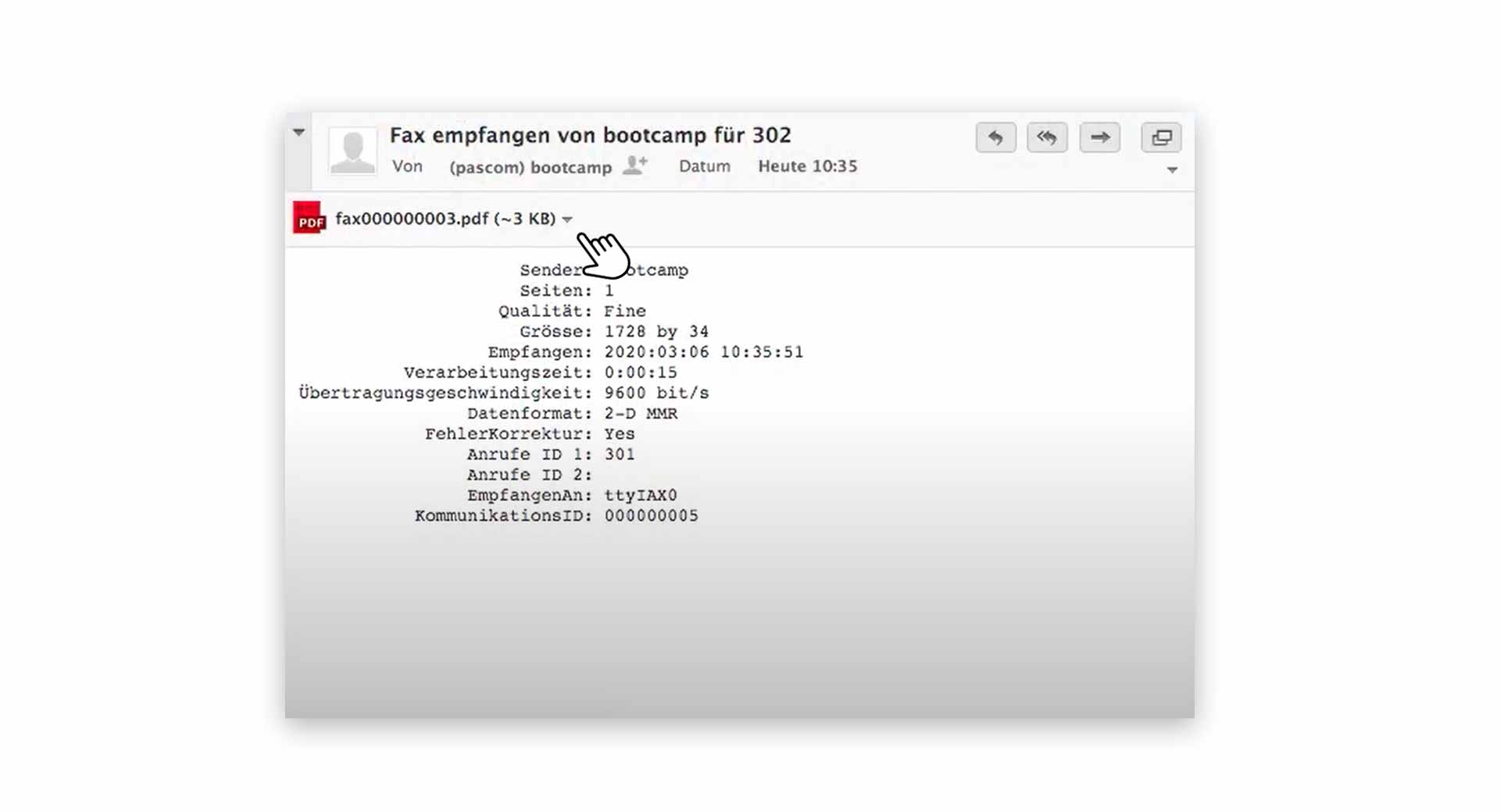
In this Tutorial we will show you how to send and receive faxes and how to fully automate fax transmission.
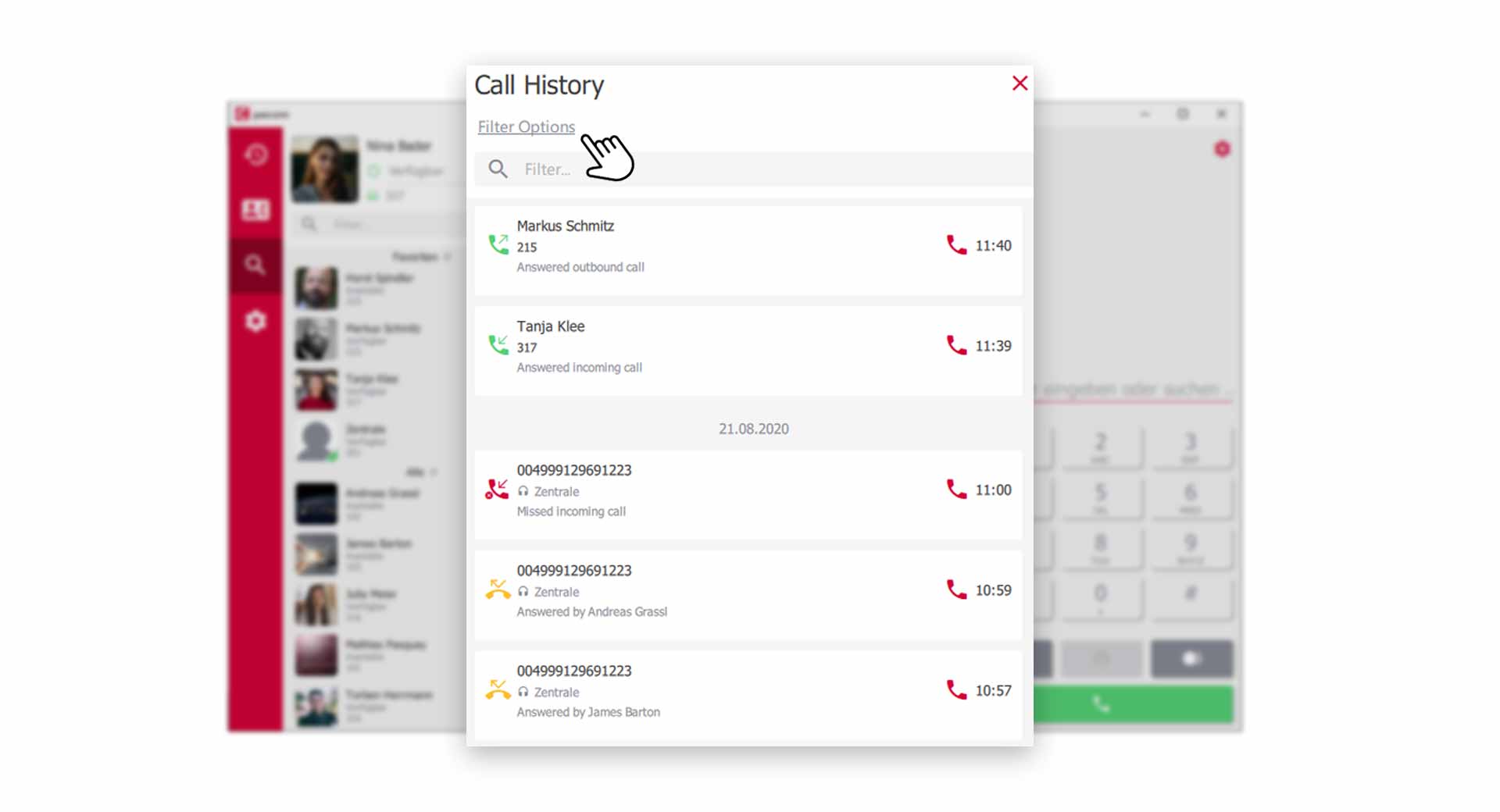
Manage and analyze your call history and team activities with the Call and Team Journal in the PASCOM app.
This guide provides an overview of the functions of the telephony area in the PASCOM app.
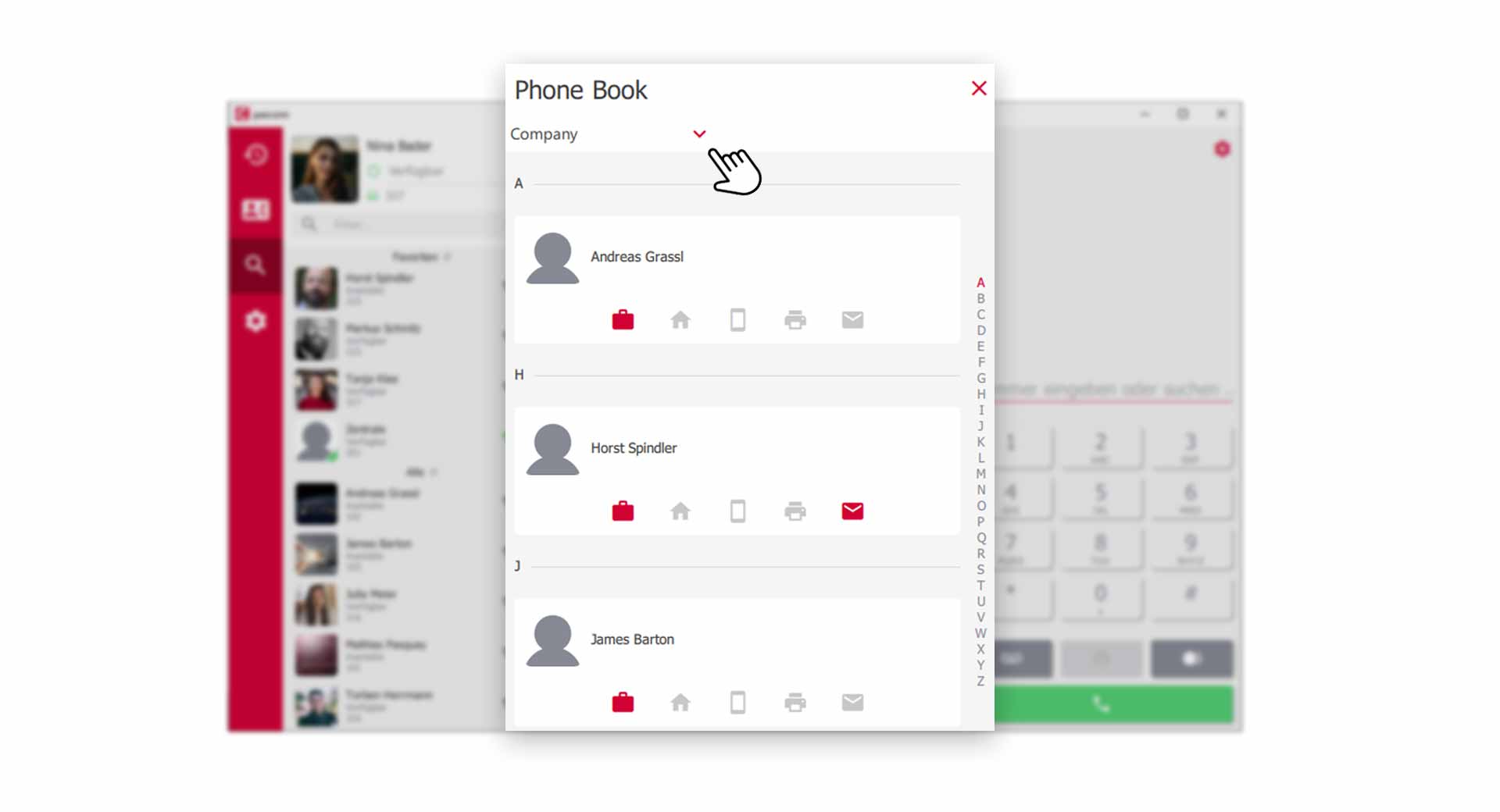
Learn everything you need to know about using the PASCOM telephone book
Learn how to start or join a conference in a PASCOM group with your call partner.
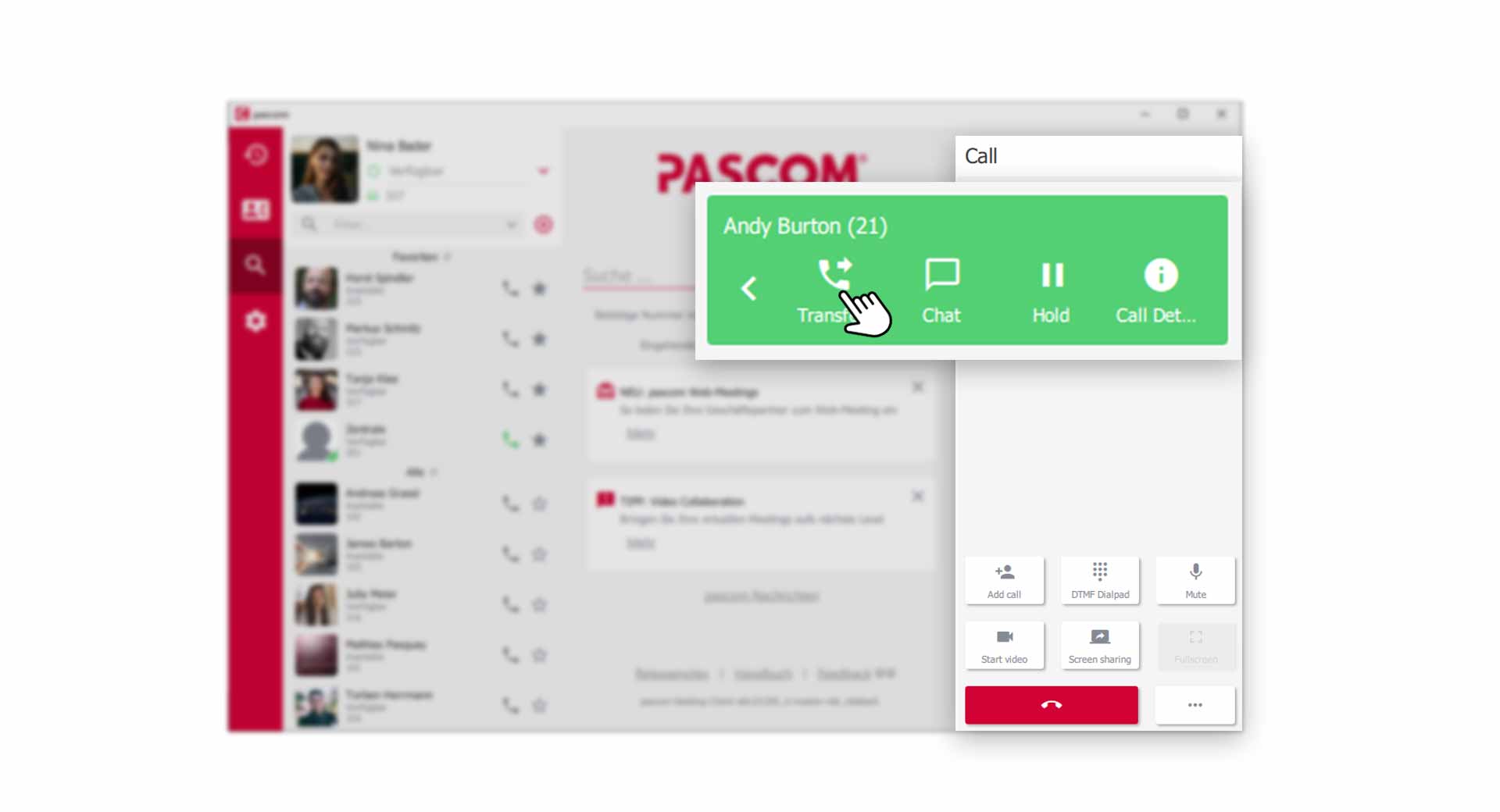
Learn how to transfer, pickup and redirect calls

The Kuando Busylight enables a visual presence display in conjunction with the PASCOM App
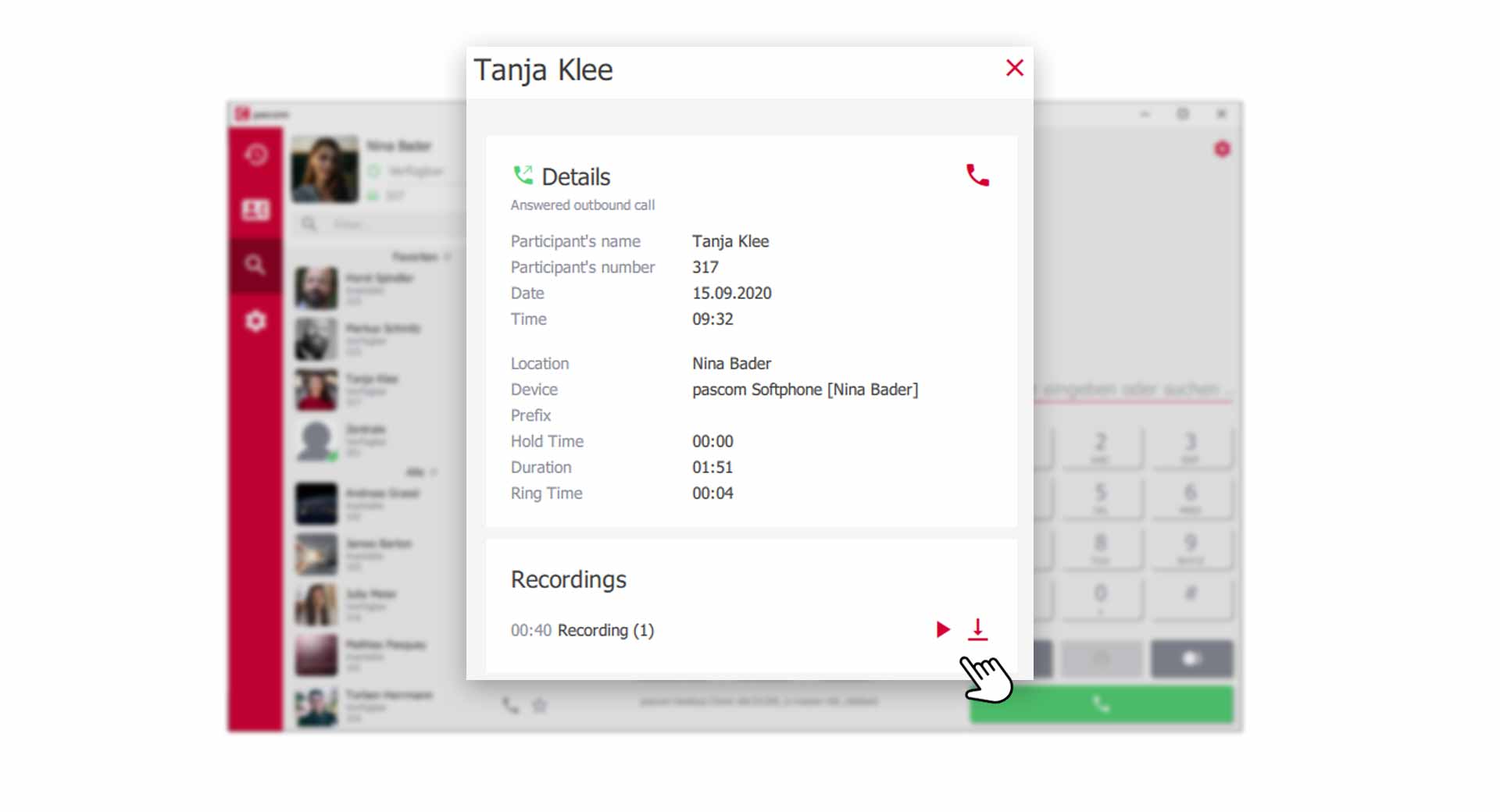
This guide details how to use the PASCOM app's call recording function.
Learn how to view call data collected by AI agents within the PASCOM app's team call logs.
Learn how to use the PASCOM App to chat with customers via WhatsApp
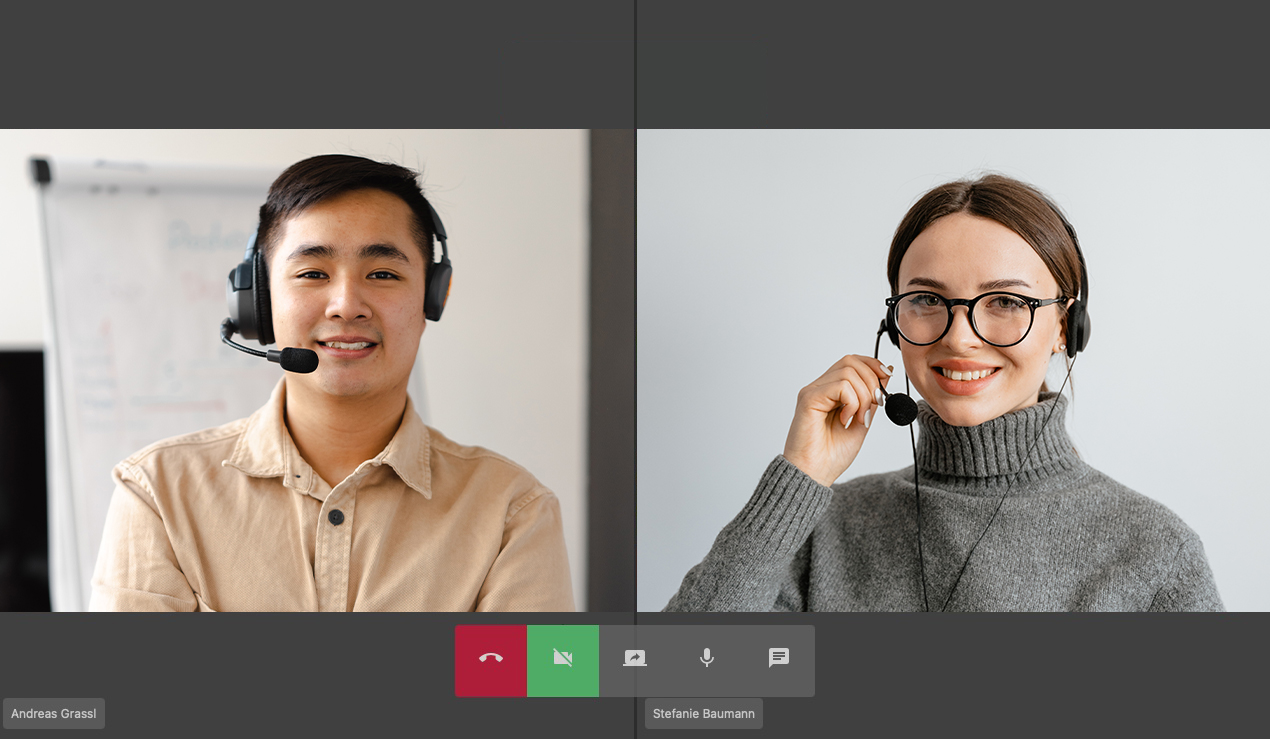
Use the video and screen sharing tools of the PASCOM App for more effective collaboration with your colleagues.
These guide will help you to use your voicemail box