
Features Overview
The PASCOM Cloud Phone System
With over 150 professional communication & collaboration tools, features, and functions, the PASCOM phone system delivers everything you need to upgrade your everyday business communications.

Multiple Languages
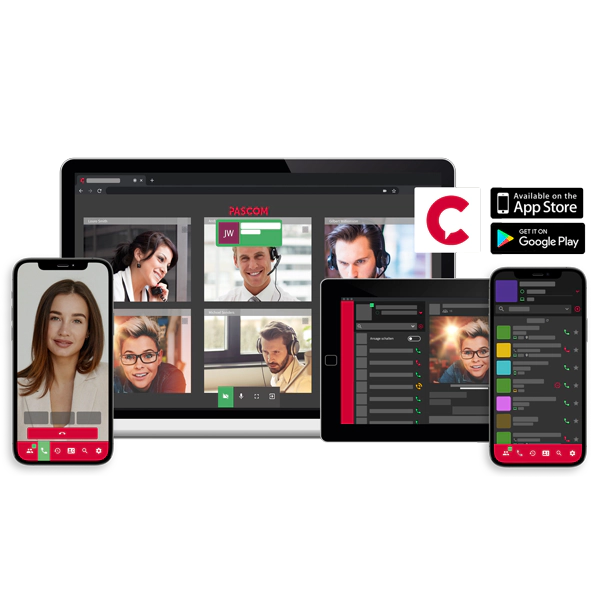
The PASCOM apps are available to use in multiple languages. Work together with International team members, where each user can set their preferred language.

Presence Management
Let your colleagues know when you are available, where you’re working from and when you’re in a meeting and don’t want to be disturbed. Through using presence, the efficiency of your teams and how they collaborate can be greatly improved.

Chats - Instant Messaging
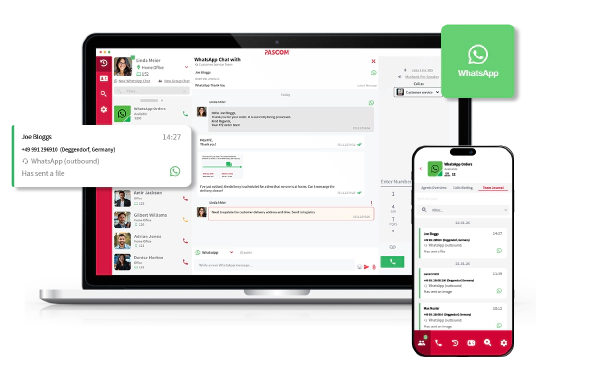
These days Instant Messaging is the new e-mail. Why? Because it’s quick and effective. All chats are automatically synchronised across all your apps allowing you to start chatting on your desktop and to continue on your tablet or smartphone.

Team Messaging / Team Chats
Share information quickly and efficiently with entire teams with team messaging and “always-on” team messaging channels. Break down information silos by grouping users into departments, teams or projects.


Contact List
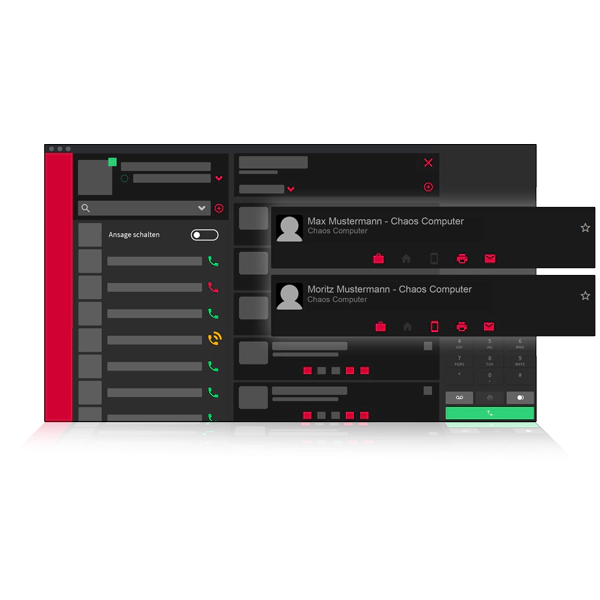
Central to effective employee communication is the contact list, in which all your colleagues, chats, teams, queues, and much more are found. The favourites function and extensive filter options make keeping everything organised simple.

Workspaces & Hot Desking
Hot Desking and workspace selection is ideal for hybrid working, Call and Contact Centres as well as open-plan offices. Simply select the workspace where you are currently working and automatically take control of all the telephony devices assigned to the workspace and start making and receiving calls on your office number.

Virtual Voicemail System
Never miss an important message again with PASCOM's voicemail system. All messages are automatically converted into audio files and sent directly to your email address.

Voicemail Transcription
Voicemails are essential to business communication, but listening to them is often time-consuming and that’s where voice-to-text transcription comes in. Once activated, voicemails are automatically transcribed to text, making them easier and quicker to review, plus text is searchable, so finding them again is simpler.

Virtual Fax with Fax-to-E-Mail
hese days the fax machine has gone virtual and every user can have one. Automate your fax sending with folder monitoring and automatic PDF conversion and fax-2-e-mail all of which make bulky old school fax machines a thing of the past.

Call Flip
Call flip allows users to move an active ongoing call to another device that is assigned to them. This allows users to switch devices during the call and continue talking on another device, for example, when you want to continue the call on your mobile device instead of on your desktop softphone app.

Detailed<br/>filter options
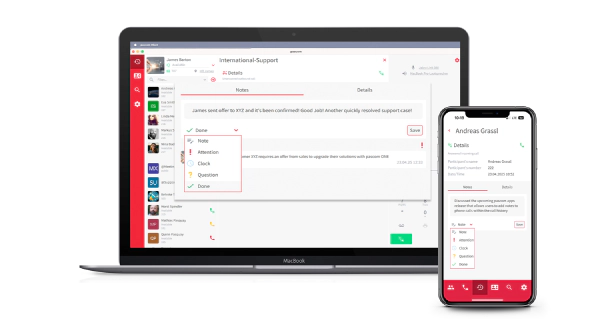
Gain the optimum overview of your calls using the call history filter options. Define call ditects, call results, and origin etc. in order to personalise your call journal to meet your requirements.

Follow customer contact events
Confidently provide information about the last 3 calls from a customer, with whom they spoke and for how long to significantly improve how you and your team communicate with customers.

Detailed call data
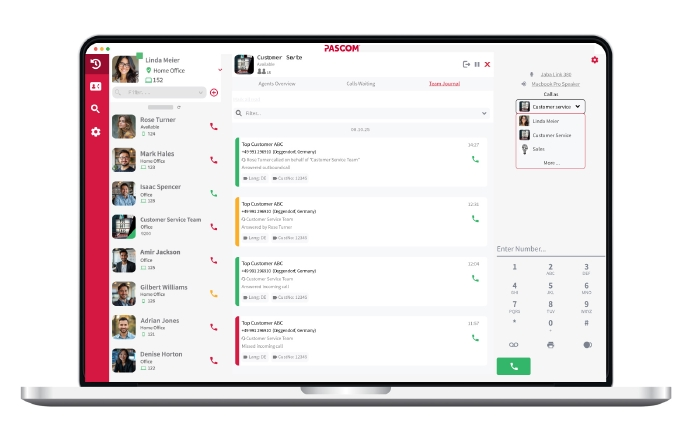
Instantly access historical call data. Time, date and duration, even how long the caller waited in the queue plus which employee spoke to the caller and much more is at your fingertips.

One place for all your call data
Alongside call details, each call journal entry includes much more informatuon. Access voicemail messages, call recordings, call lables as well as information from the phone book.

Dynamic agent login / out
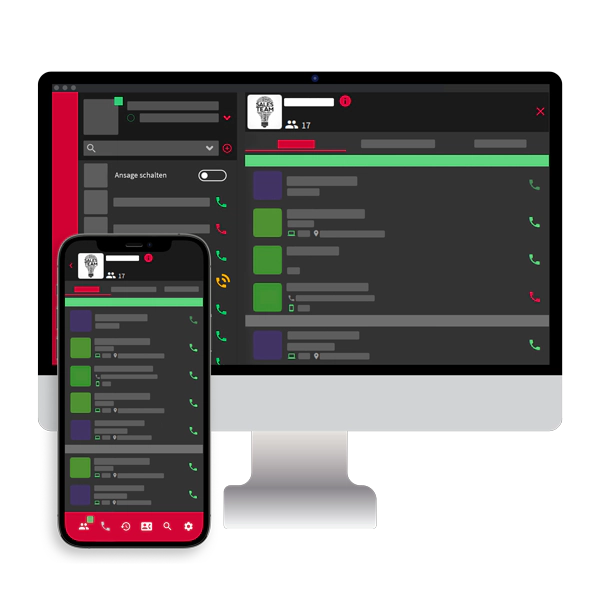
Give your team members the freedom and flexibility to dynamically log out of teams when they should not be disturbed by queue calls, and log back in once they are available again.

Call agent pause reasons
Setup pause reasons for users and agents, which can be used for short breaks such as post-processing, coffee breaks etc. Pausing queue membership stops all calls being routed to the user.

Flexible options for every scenario
Timeouts, call strategies, call weighting are just a fraction of the options available. Check to see if the queue is full or whether any agents are logged in and use this information to trigger specific actions.

Turn users into expert call agents
Add users as queue members and at the same time assign priorities which then influences the call strategy when routing calls to your call agents, determining which agents should receive calls first etc.

Extensions assigned to users
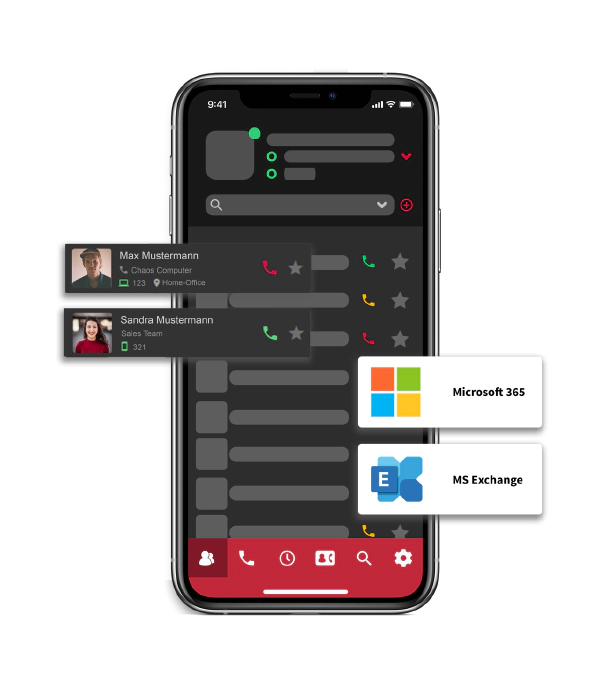
Traditional phone systems had extension numbers assigned to devices not the user. With PASCOM, each user has their own internal extension, on which they are available across all their devices. This greatly simplifies mobile integration and workspace management for both the user and the phone system admin.

3rd party user authentication
Authenticate users against 3rd party applications such as Microsoft Active Directory and LDAP. This ensures users only require a single password for all systems and allows you to add more security by implementing company-wide password policies.

Extensive Permissions System
Assign users with differing permissions in order to effectively control access, share tasks and ensure data security. From system administrator to phone book manager, a wide range of levels are at your disposal to cover any scenario.

Enhanced User Settings
From device management and timeouts to performing actions according to variables and conditions and routing of calls to Voicemails (or queues, IVRs, etc) and so much more, PASCOM offers an almost countless number of ways to customise user settings to match every need.

Windows TAPI
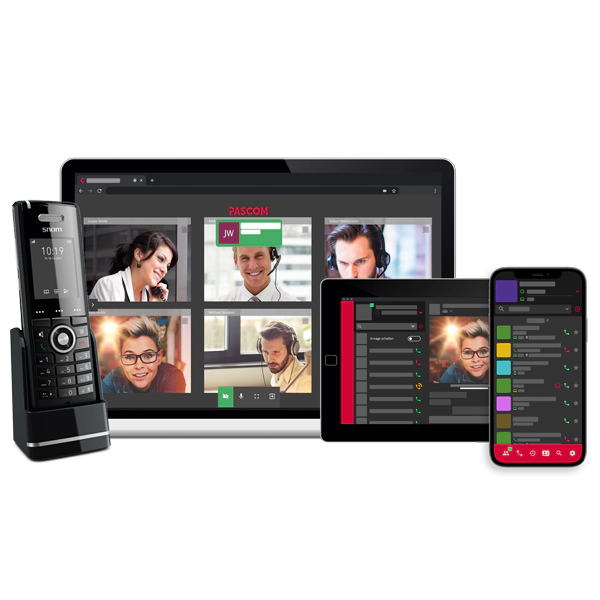
Make calls directly from your CRM, ERP and MS Outlook apps with the PASCOM TAPI driver. Our TAPI app enables the dialing function of your 3rd party applications and means you can make calls using whichever IP enabled phone you are currently using.

Remote control your mobile
Use your smartphone as a replacement for your desk phone and conviently control your mobile devices directly from your desktop. This allows users to combine the comfort of the desktop app with the freedom of their mobile and provides users with considerably more flexibility when performing their everyday workflows.

CTI Remote Control for Desk Phones
Use the PASCOM desktop app to control your desktop phone. Simply start a call from the PASCOM app and your phone will automatically start the dial and call setup process, eliminating the need to dial manually or perform number look ups on the phone.

Softphone Headset Controls
Replace your desktop phone and increase user comfort with PASCOM’s inbuilt softphone and accept and end calls directly on headset. In addition, volume controls are also available and especially users who make many and/or longer phone calls will benefit from greater comfort compared to a desktop phone receiver.

Endpoint Firmware Management
Keeping endpoint firmware up to date is essential for performance and security, but the ongoing management can be especially frustrating for IT administrators. The PASCOM phone system allows you to centrally manage all your firmware files & roll them out to all compatible devices with a single click.

Personalise your desktop phone
Incorporate your corporate image into your employee desk phones and personalise the look of your endpoints. Perhaps you’ve always wanted to incorporate and promote your brand on your phones or even roll out different designs for different company teams - the options are almost limitless.

IP Audio/Video Door Intercom Integration
Boost building security with a SIP enabled door intercom which enables you significantly strengthen access control. When visitors ring the bell on the intercom, your team will then receive a call via the PASCOM apps, talk to the visitor via audio and monitor the office guest via video before permitting access.

Define BLF keys in the PASCOM app
Configuring BLF line keys used to be complicated and time-consuming. With the PASCOM app, your employees can quickly and simply edit and manage their BLF keys to suit their needs and everday workflows.

Language packs for international callers
Organise your prompts in language packets, which are then automatically activated when the corresponding channel language is set per call. This allows you to deliver the same customer experience to callers from every market where your business operates.

Recording system for quality control
Continually review your customer service quality and training requirements with call recordings with PASCOM’s inbuilt recording system. Either start call recordings manually or create automatic recording rules and define how you want recordings to be archived according to your requirements.

Record your own prompts
Need a new prompt quickly or want to add a more personal note to your announcements? Simply create prompts on the fly using the inbuilt prompt recording system. What’s more, the prompts can be re-recorded using the share code and the new recordings will be automatically available everywhere they are needed.

Save and import recordings
Simply upload your professionally recorded prompts to your PASCOM phone system. The export function allows you to easily create a backup of all your custom prompts, which is especially useful should you need to re-import your prompts again or add them to other PASCOM phone systems.
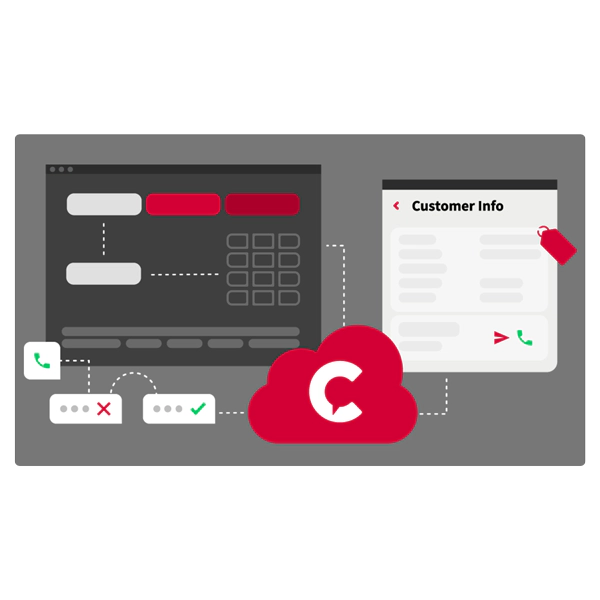

Skills-Based Routing
Deliver the best in customer service and customer experience by leveraging the strengths of your employees and routing callers by matching caller needs with employee skills. This enables a targeted, customer focused approach to call flow management and allows you to connect callers with the most suited available employee based on their skills, e.g. product knowledge, technical ability and even language.

IVR menus
Interactive Voice Response (IVR) menues are an essential aspect of engaging and interacting with your callers. Learn where your callers want to be connected to. PASCOM’s phone system IVR menu tools can be highly customized to meet your business need, allowing you to pre-qualify callers in advance through options menus and data entry options as well as provide self-service options.

Route calls with Call Labels
Attach additional information to your business contacts in the form of call labels. Info such as customer number, SLA level, VIP customer and more can be used to route callers more effectively. For example, important VIP customers can bypass the IVR menu and be directly connected to a VIP customer care manager.

Action Templates
Setup action templates which can then be quickly applied to users, queues and even IVR menus. This eliminates repititive data entry tasks and significantly reduces the amount of administrative resources required when, for example, new routing actions have to be configured for tens or hundreds of users.


Multiple trunks for multiple locations
Operate a multi-location business that uses multiple SIP trunks / providers? With the PASCOM cloud phone system, adding more trunks from multiple providers is simple and easy to do. Simply add the trunks and providers you need and benefit from a centralised business communication solution that’s available globally via the cloud.

Inbound & outbound call rules
Control how your callers contact your team and how your users contact customers. Call rules link your actual business phone number(s) with your internal extensions. Use variables to further define your call rules exactly according to your business model and customer expecations.

Call rule-based blocking function
Block any source or destination number, e.g. 09 premium rate numbers (UK), international calls, specific extensions and more. Alternatively, instead of blocking certain outbound calls, simply PIN protect certain destination numbers and allow only specific user groups to dial these routes using the PIN.

Versatile configuration options
Define extension ranges, setup of call forwarding rules or modify phone number signalling. Set channel languages to influence system prompts for international callers. With the PASCOM phone system, all these configuration options and many more are at your disposal.


Secure VPN Connector Interface
The PASCOM VPN connector provides you with access from the cloud to services in your local network. This allows you to, for example, authenticate users against a local Active Directory installation or import customer contact data from your onsite ERP / CRM systems.


Automatic System Checks
Our integrated system integrity checks (system health checks) constantly monitor and check the status of your cloud phone system. Should any issues be identified, you will then be notified and informed.

Secure User Authentication
Alongside username and password authentication, users can also be authenticated agains external 3rd party applications via LDAP. Furthermore, the PASCOM Mobile App onboarding process is secured thanks to QR code pairing.
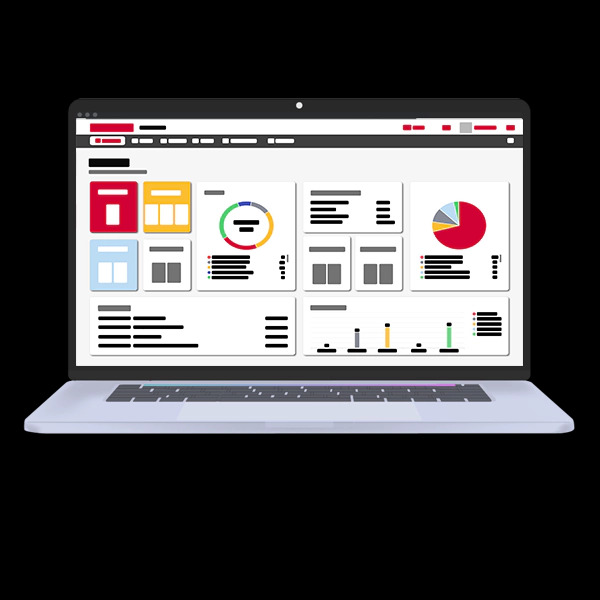

System critical job collector
The PASCOM admin GUI job collector collects and writes all your system critical changes to a database. This ensures you can make system changes and then apply all the adjustments at once, when for example the business day has ended and no active calls will be disrupted.

Automated installation guides & templates
Benefit from the user-friendliness of the PASCOM telephone system. Our step-by-step instructions will help you set up your telephone system in minutes. Predefined templates make it easy for non-admins to set up, for example, a SIP trunk or a desktop phone.

PASCOM REST API
The PASCOM REST API delivers an entirely new way of controlling and maintaining your PASCOM phone system and allows you to set up and manage the flow of business data from the PASCOM phone system to 3rd party applications where the information is made available for further processing.

PASCOM e-mail server
The PASCOM phone system has an inbuilt e-mail server which can be used to take care of all notifications for, for example, voicemails, call recordings, status notifications and much more. Of course, it is also possible to connect your existing e-mail server to perform these tasks.
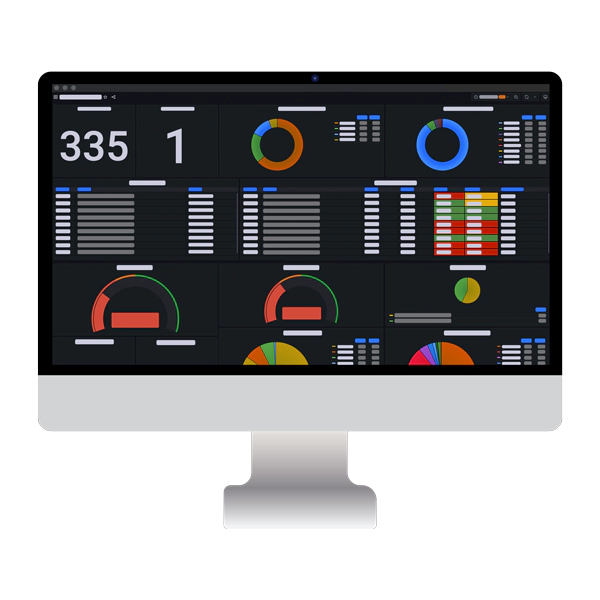

Filter critical data
Searching, filtering and analysing critical data is essential to effective decision making. PASCOM’s analytics filter tools enable you to break down all your data to specific time frames, calls to queues and even employees, ensuring you can create targeted reports that are important to your business.

Highlight call flows
Call flows provide information regarding which user had contact with specific callers and allow you to better understand the flow of the call in terms of transfers and forwards in order to further fine tune your operations, identify potential call distribution issues.

User evaluations
PASCOM’s Analytics provides team leaders, line managers and supervisors with an overview of individual user performance. Evaluate, for example, performance in queues, their reaction times, how often they transfer calls and call resolution times in order to better assess employee skills and any training requirements.
Create custom dashboards
Use the pre-configured dashboards as the building blocks to create your own custom dashboards that are bespoke to your business requirements and goals. Once created, your new wallboards can be populated with performance data, charts and flow diagrams that can be used in your reporting.