15 must-have SaaS tools for growing businesses
Growing a business used to mean adding headcount. Today, it more often means adding software.
A CRM here.
A scheduling tool there.
A separate app for HR.
Another for billing.
Another for social media.
And seperate apps for telephony and collaboration.
Each tool solves a real problem on its own.
But all those tools together create a new problem: app chaos.
A single bad tool is rarely the problem. The real issue is the accumulation of tools.
Teams end up switching between six, eight, sometimes a dozen platforms just to get through one workday.
Context gets lost. Effort gets duplicated. Managers lose a clear view of what is actually happening across the business.
With all this chaos in mind, we have listed 15 tools that growing businesses are using right now. These tools can help you bring structure back to their operations, from communications and project management to hiring, billing, and beyond.
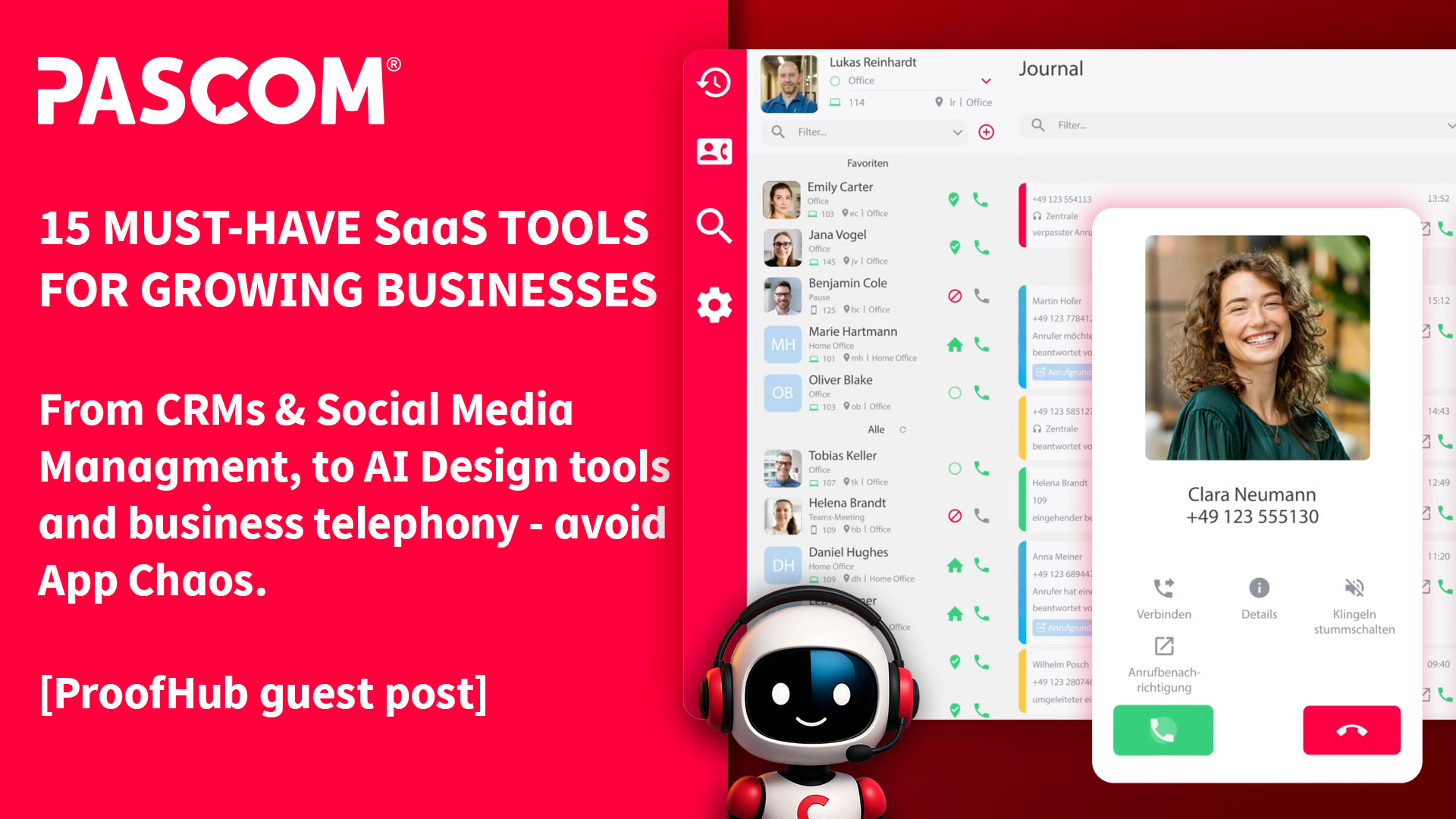
1. PASCOM
//www.proofhub.com/” title=”ProofHub easy-to-use project management software.” alt=”Link to ProofHub Website” target=”_blank”>ProofHub
This makes ProofHub a strong fit for startups and growing companies scaling their team without scaling their software budget at the same rate. New employees get added at no extra cost, and every project stays visible to the whole team as headcount increases.
Features:
- Task management with Kanban boards and Gantt charts
- Built-in proofing and approvals with annotation tools
- Team discussions and chat
- Time tracking and custom workflows
- Integrations with multiple everyday business tools, including file storage, calendar, and accounting apps
Pricing:
- Essential Plan: $45/month flat, unlimited users
- Ultimate Control Plan: $89/month flat, unlimited users and projects
- 14-day free trial, no credit card required
3. FieldServicely
FieldServicely is an affordable field service management platform built for growing businesses managing mobile teams, on-site jobs, and customer service across multiple locations. It helps teams schedule work, assign technicians, track locations, and turn completed jobs into timesheets, payroll, and invoices. For cleaning, HVAC, plumbing, and construction businesses, this brings daily field operations into one organized platform.
Startups benefit from adding new technicians and job types without adding back-office admin work, since scheduling, payroll, and invoicing stay connected automatically as the team expands.
Features:
- Job creation with priorities, deadlines, customer details, photos, notes, and approval workflows
- Scheduling and dispatch with route maps, live GPS locations, and optimized travel routes
- Geofenced attendance and automated time tracking and timesheets
- Payroll, invoicing, reports, mobile apps, and performance dashboards
Pricing:
- Free plan and 10-day free trial available
- Paid plans from $9/user/month (billed annually)
- Standard, Elite, and custom Enterprise tiers
4. MeetEdgar
MeetEdgar is a social media scheduling tool that helps users plan, publish, and automate content across multiple platforms. With evergreen content recycling, AI assistance, analytics, and a reusable content library, MeetEdgar helps small teams save time and keep social media active without constant manual posting.
For startups with no dedicated social media manager, MeetEdgar’s automatic content recycling means older, high-performing posts keep working in the background, so marketing stays visible even when the team is focused elsewhere.
Features:
- Social media scheduling and publishing
- Evergreen content library and automated content recycling
- AI-assisted caption generator
- Bulk import
- Analytics and performance insights
- Social inbox and multi-platform content management
Pricing:
- Eddie: $25/month
- Edgar: $42/month
5. Qandle
Qandle is an all-in-one, user-friendly HR platform designed to simplify every aspect of human resource management. From payroll and attendance to onboarding and analytics, Qandle automates routine tasks, improves engagement, and turns HR into a strategic asset. Scalable and secure, it’s built to support organizations of all sizes.
For startups and growing companies, this matters most as manual HR processes start breaking down: as headcount increases, Qandle keeps onboarding, payroll, and compliance running smoothly without requiring a bigger HR team.
Features:
- Payroll automation with built-in tax calculations, compliance management, customizable pay cycles, and tax-filing integration
- Time and attendance tracking with GPS and biometric options, workplace geolocation, and mobile check-ins
- Leave and timesheet management with streamlined approvals and policy compliance
- Applicant tracking system with automated offer letters and digital onboarding checklists
- HR analytics with dashboards, predictive analytics, and customizable reports
- Employee self-service and mobile apps with 24/7 access, chatbot support, and real-time notifications
- Integrations with platforms like Slack, Microsoft Teams, and Zoom, plus API access and configurable workflows
Pricing:
- Custom, based on team size and modules selected. See qandle.com/transparent-pricing for details.
6. Tivazo
Tivazo is a workforce productivity and time-tracking platform that helps businesses monitor employee activity, track hours, manage teams, and improve operational efficiency. Designed for remote, hybrid, and in-office teams, it offers time tracking, live screenshots, productivity reports, and idle-time detection.
For startups managing their first remote hires, Tivazo gives managers visibility into how work actually gets done without requiring daily check-ins, something that becomes harder to maintain manually as the team grows past a handful of people.
Features:
- Time tracking with automated and manual timesheets
- Real-time employee monitoring and activity tracking
- Live screenshots with privacy-focused screenshot masking
- Productivity reports and workforce performance insights
- Idle-time detection and activity alerts
- Team management with role-based access controls
- Payroll-ready reports, billing, and invoicing support
- API access and integrations with business tools
- Support for remote, hybrid, and in-office teams
Pricing:
- Starter: Free for up to 10 users
- Business: $3/user/month, with advanced features and integrations
- Enterprise: Custom pricing with dedicated support
- Free trial available
7. Vista Social
Vista Social is an all-in-one social media management platform that helps brands, franchises, and agencies manage their online presence. What sets it apart is how many tasks can be automated with AI, including generating ideas, jumpstarting caption writing, and detecting the sentiment of incoming messages.
For startups juggling multiple social accounts with a small team, Vista Social’s automations and unified inbox mean fewer people are needed to keep every channel responsive as the brand’s online presence expands.
Features:
- AI-powered DM automation for lead generation
- ChatGPT integration for content creation
- Unified social inbox across all platforms
- Smart scheduling with optimal posting times
- Sentiment analysis and automated routing
- White-label reports and client management
- Multi-level approval workflows
Pricing:
- 14-day free trial
- Professional: Starting at $64/month
- Advanced: Starting at $120/month
- Scale: Starting at $304/month
- Enterprise: Custom pricing for agencies and large teams
8. Filecamp
Filecamp is a cloud-based digital asset management and file sharing platform for growing businesses. It helps teams organize, share, review, and distribute images, videos, and brand assets from one secure, branded workspace. With unlimited users, granular permissions, and customizable share links, Filecamp makes it easy for teams and clients to find the right files.
For startups working with outside clients or contractors, this replaces the version confusion of email attachments, and unlimited users means the whole team joins at no extra cost.
Features:
- Secure file sharing with branded portals and share links
- Unlimited users on all plans
- Granular folder permissions and access control
- Online previews for images, videos, PDFs, and office files
- Tags, labels, comments, and approval workflows
- Custom branding, themes, and client-facing workspaces
Pricing:
- Plans start at $29/month
- Advanced plan: $59/month
- Professional plan: $89/month
- All plans include unlimited users
9. Venngage
Growing businesses rarely have a dedicated design team, but they still need reports, presentations, and marketing visuals that look credible. Venngage is an AI-powered design platform built for that gap. Type a prompt and the AI Design Generator builds the visual automatically, with 10,000+ templates available for anyone on the team.
For startups without design hires, this means marketing, sales, and reporting decks get produced in-house, on brand, without slowing down to wait for outside design help.
Features:
- AI Design Generator that creates full designs from text prompts in minutes
- 10,000+ professionally designed templates across infographics, reports, presentations, and social graphics
- Data import from Excel or CSV with auto-formatted charts and graphs
- Built-in brand kit for colors, fonts, and logos across every design
- Real-time collaboration with shared folders, role-based permissions, and private sharing
- PNG, PDF, PowerPoint, and HTML export options depending on plan
Pricing:
- Free plan available
- Premium: $19/month per user
- Business: $49/month per user, with brand kit, team collaboration, and advanced export options
10. Vendasta
Vendasta is an AI-powered platform built for agencies and B2B companies selling digital solutions to local businesses. It combines CRM, marketing automation, reputation management, and a white-label marketplace into one system, so a team can acquire, fulfill, and retain clients without stitching together separate tools. An expanding AI Workforce helps growing teams scale output without adding headcount.
For startups and growing agencies, new client accounts get onboarded and serviced without hiring proportionally more staff.
Features:
- AI Workforce that deploys AI Employees for sales, reception, reputation management, and customer support working 24/7
- CRM and sales automation with pipeline tracking, Snapshot Reports, and AI-assisted prospecting
- Reputation management to monitor and respond to reviews across platforms from a single dashboard
- Platform distribution through a network of 60,000+ agency and reseller partners
- Marketing automation that triggers personalized email and SMS sequences based on lead behavior and CRM activity
Pricing:
- Starts at $99/month. Every dollar spent on qualifying products counts toward the monthly minimum, potentially reducing the platform fee to $0.
- 14-day free trial, no credit card required
11. Juuno
Juuno is a simple digital signage platform that lets businesses display content on any screen from anywhere. Whether running a café, gym, or multi-location brand, Juuno makes it easy to manage every screen from one app. Trusted by agencies, franchises, and small businesses alike, Juuno turns idle TVs into communication tools with no technical expertise required.
For startups with multiple locations, adding a new site means adding another screen to the same dashboard, not building a new signage system.
Features:
- Manage unlimited screens from a single dashboard
- 20+ content apps, including Canva, Instagram, Google Reviews, and YouTube
- Unlimited playlists, schedules, and zones for displaying different content simultaneously
- Portrait and landscape screen support
- Workspaces for agencies managing multiple clients
- Unlimited teammates with no user restrictions
- Compatible with Amazon Firestick, Chromecast, Android, Raspberry Pi, and TV browsers
Pricing:
- 7-day free trial, no credit card required
- Business plan: $5/screen/month
- Growth plan: $9/screen/month, includes reporting, sequences, and priority support
- White Label: $100/month, includes 20 screens, additional at $5/screen
- Enterprise: Custom pricing available
12. iSmartRecruit
iSmartRecruit is an AI-powered recruitment platform built for staffing agencies, recruitment firms, and in-house HR teams. It combines an applicant tracking system and recruiting CRM to manage sourcing, tracking, interviews, and hiring analytics in one place. Recognised by Forbes Advisor as Best for Job Board Integrations, it includes an MCP Connector that lets teams query recruitment data through ChatGPT and Claude.
For growing companies scaling hiring, recruiters expand candidate reach without adding headcount to the recruiting team.
Features:
- AI candidate matching and automated CV parsing
- Applicant tracking, recruiting CRM, and visual hiring pipelines
- One-click job posting, branded career pages, and recruitment marketing
- Interview scheduling, email automation, and team collaboration
- Reporting, compliance tracking, client portal, and onboarding support
- AI agents for sourcing, research, screening, and matching
- MCP Connector to query recruitment data through ChatGPT and Claude
- Recognised by Forbes Advisor as Best for Job Board Integrations
Pricing:
Custom pricing based on team size, hiring volume, and selected modules. Request a demo or quote for direct employers or recruitment firms.
13. Jobma
Jobma is a video interviewing platform that helps growing businesses simplify hiring through one-way and live video interviews, coding assessments, and AI-powered candidate evaluation. It lets recruiters screen candidates faster and integrates with leading ATS platforms, including Workday, Greenhouse, JazzHR, iCIMS, Lever, and Workable.
For startups without a dedicated recruiting team, Jobma lets a small number of hiring managers screen far more candidates in the same amount of time, without sacrificing a structured interview process.
Features:
- One-way and live video interviews
- Coding assessments for technical hiring
- AI-powered candidate evaluation and insights
- Automated interview invites and scheduling
- Team collaboration, ratings, and feedback
- ATS integrations with Workday, Greenhouse, JazzHR, iCIMS, Lever, and Workable
- Employer branding and multilingual hiring support
Pricing:
Flexible pricing based on company size, hiring volume, and required features.
14. Zenskar
Zenskar automates billing and revenue for real-world complexity. It sits between a company’s CRM/CPQ and ERP, streamlining billing, metering, collections, and revenue recognition with deterministic logic and purpose-built agents. Finance teams share contracts and usage data, and Zenskar handles the rest autonomously.
For startups with usage-based or subscription pricing, this removes the manual spreadsheet work that usually slows down finance teams as contract volume and pricing complexity increase.
Features:
- Billing automation from contract to invoice to cash, for any pricing model
- Usage metering with high-throughput data pipelines, handling prepaid and postpaid credits, rollover, and real-time alerts
- Automated revenue recognition that follows standard accounting compliance rules (ASC 606, IFRS 15), with journal entries synced to the ERP
- Automated collections with personalized dunning schedules
- Real-time SaaS metrics (MRR, ARR, LTV, RPO, waterfall) and AI-powered reporting
- Contracts AI that auto-generates billing configurations and revenue rules from uploaded contracts
- Agents Marketplace to build, customize, and deploy agents across the order-to-cash cycle
Pricing:
- Custom pricing, with no percentage-of-revenue fees.
- Usage and rate limits scale with the business.
15. Tability
Tability connects executive strategy with the people and agents executing on it, so teams move quickly from strategy to results. Company objectives cascade into team OKRs, progress gets monitored as humans and agents do the work, and board-ready reports get generated from live data.
For startups without a dedicated operations team, this replaces the weekly status meeting and scattered spreadsheets with one system everyone works from.
Features:
* Executive strategy cascaded into team OKRs, drafted from a single prompt
* Integration of agents into the team, collaborating with humans in one workspace
* A single source of truth to manage and measure both human and agent outcomes
* Real-time check-ins pulled from existing tools, replacing status meetings
* Board-ready reports generated from live progress on a set schedule
* Native integrations with Slack, MS Teams, Jira, Google Sheets, and Claude/OpenAI
Pricing:
* From $6/user/month, scaling with team size.
* 14-day free trial.
* Annual discounts and enterprise options available.
Features to look out for in small business tools
The 15 tools above cover a lot of ground, but the list isn’t exhaustive. New tools enter the market constantly, and not every growing business needs the exact same stack. So how do you tell a genuinely useful tool from one that just adds another app to the pile?
Here are the features worth checking before investing in any of them:
* User-friendliness: An intuitive, easy-to-navigate interface matters more than a long feature list. Every team member should be able to use the tool without needing technical training. A short learning curve means the tool gets adopted quickly instead of sitting unused.
* Third-party integration: Most growing businesses already run a handful of tools they rely on daily. Any new addition should connect smoothly with what’s already in place, whether that’s a CRM, calendar, or accounting software, so data moves between systems without manual re-entry.
* Customization: Every business runs slightly differently. A tool that can be tailored to specific workflows, from custom dashboards to adjustable permissions, fits the business instead of forcing the business to fit the tool.
* Scalability: As a team grows, its tools need to grow with it. A scalable tool handles more users, more projects, and more data without slowing down or requiring a switch to an entirely new system a year later.
* Data security: Business and customer data both need protection, regardless of company size. Look for tools with strong security practices such as encryption, regular backups, and relevant compliance certifications for the industry.
* Customer support: New tools come with a learning curve, and responsive support shortens it. Clear documentation and accessible support channels, whether by chat, phone, or email, make a real difference in the first few weeks of using any new platform.
Advantages of using the right tools
Bringing more of these functions together, instead of adding another disconnected app for each one, is what actually improves efficiency and supports growth.
A few advantages stand out clearly once the right tools are in place:
* Better collaboration – The right tools let teams work on tasks in real time, communicate without friction, and share files without losing track of versions. Decisions get made faster when everyone is working from the same information.
* Actionable analytics – Most of the tools on this list come with built-in reporting. That means growing businesses can spot trends, track performance, and make decisions based on real data instead of guesswork.
* Saves time and effort – Manually handling repetitive, low-priority tasks costs time that a small team rarely has to spare. Automating those tasks reduces errors and frees people up for higher-value work.
* Faster business expansion – Tools that scale smoothly let a business add users, projects, and services without a rocky transition. That smooth scaling is often what makes fast growth possible in the first place.
Conclusion
Every tool on this list solves a different problem, but the pattern stays the same. Each one replaces two or three disconnected point solutions with a single, purpose-built system.
Fewer tools mean clearer ownership. Teams spend less time switching between apps and more time getting actual work done.
Growing a business will always mean adding new capabilities. The goal is choosing tools that consolidate work instead of scattering it further.